Installation
Get Voiden up and running in under a minute — no accounts, no setup wizards, no background services phoning home.
Step 1 — Download
Head to voiden.md/download and pick the build for your OS.
One download, that's it
No installer accounts, no telemetry opt-outs, no surprise toolbars. Download the file, open it, done.
Step 2 — Check System Requirements
Voiden is intentionally lightweight. If your machine is from the last five years, you're almost certainly fine.
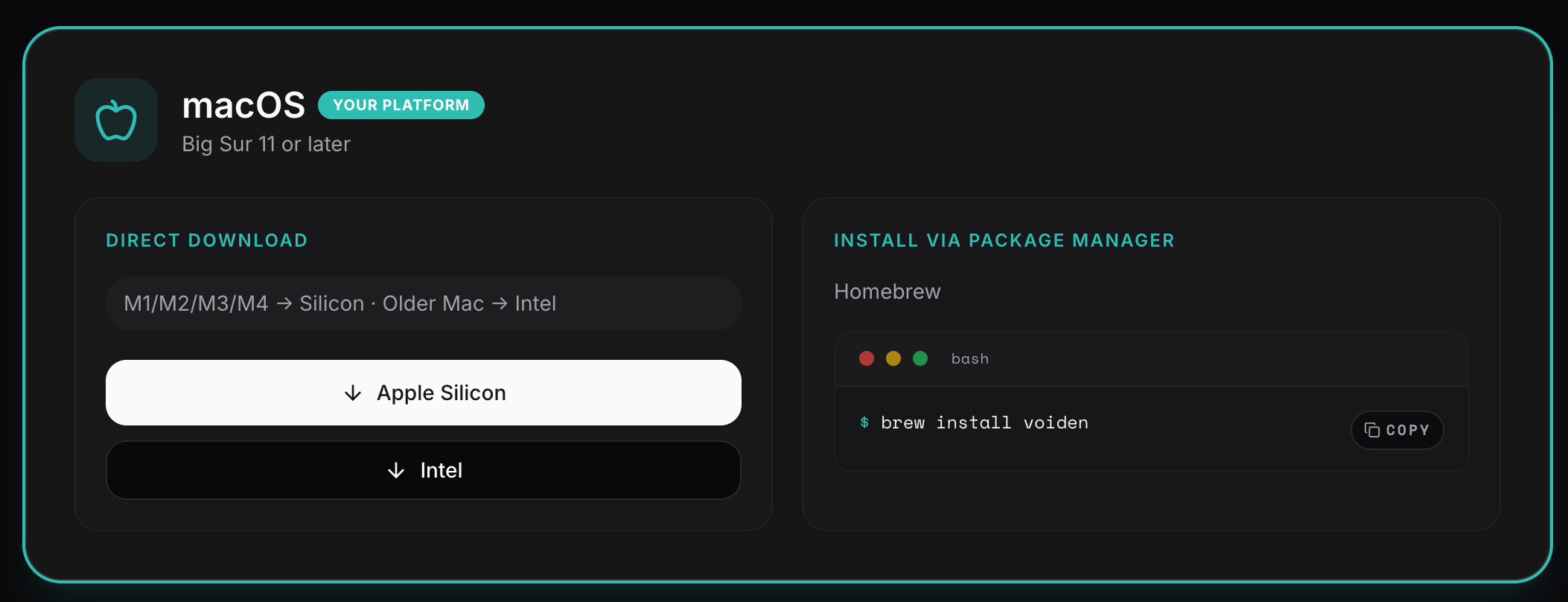
macOS
| Requirement | Minimum |
|---|---|
| OS | macOS 11 Big Sur or later |
| Chip | Apple Silicon or Intel |
| RAM | 4 GB |
| Disk | 200 MB free |
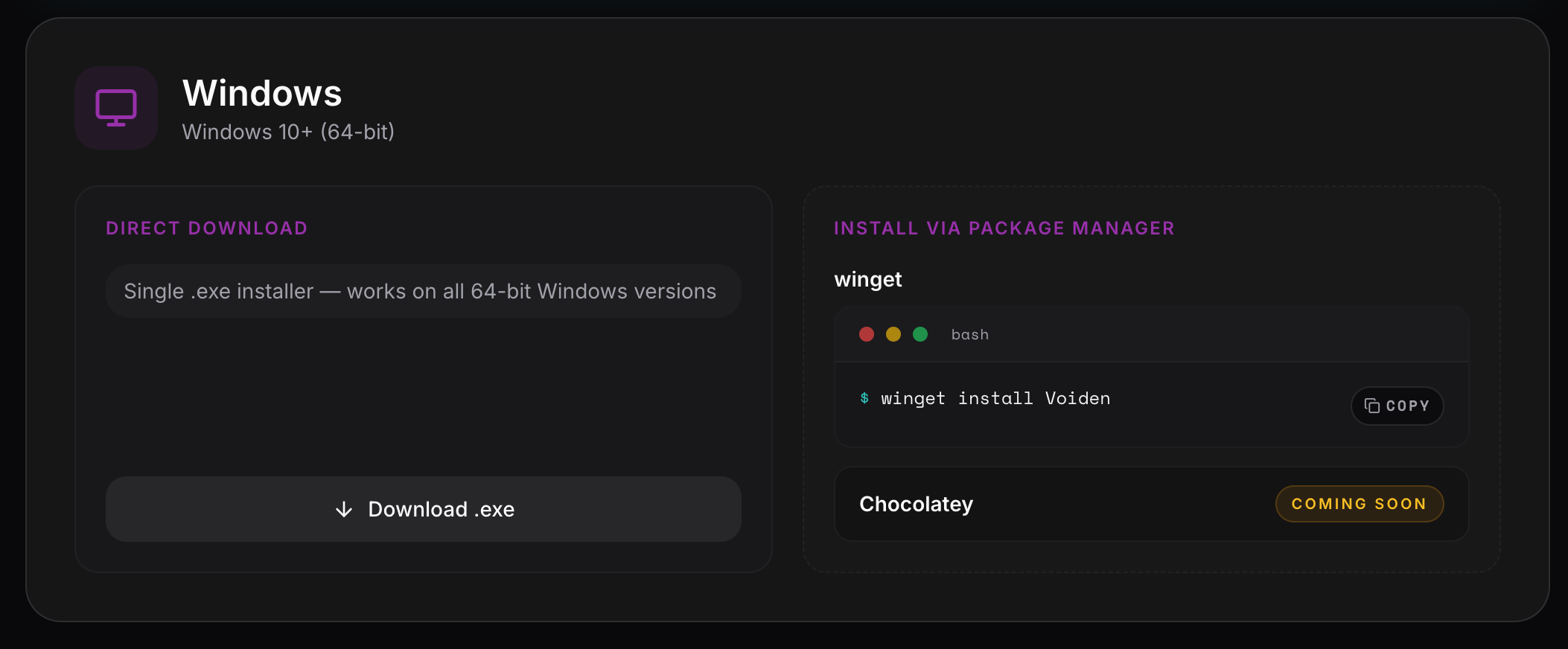
Windows
| Requirement | Minimum |
|---|---|
| OS | Windows 10 or later (64-bit) |
| Processor | Intel or AMD |
| RAM | 4 GB |
| Disk | 200 MB free |
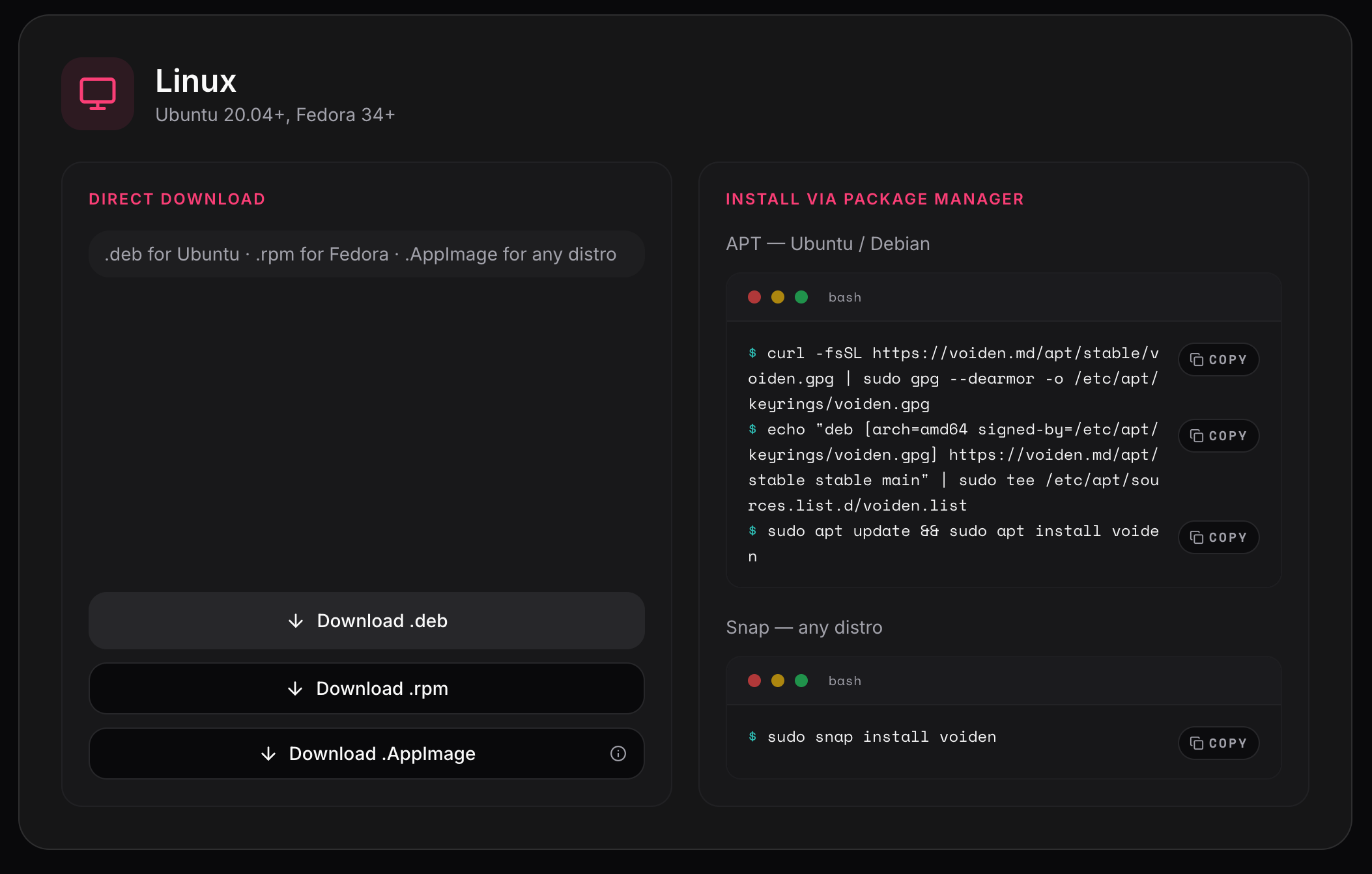
Linux
| Requirement | Minimum |
|---|---|
| OS | Ubuntu 20.04+, Fedora 34+, or any modern 64-bit distro |
| Processor | Intel or AMD |
| RAM | 4 GB |
| Disk | 200 MB free |
You're all set. Now go break some APIs — locally.