Lock Mode
Ever wanted to just poke around an API without any of it being recorded? That's exactly what Lock Mode is for. Hit the lock toggle in the status bar, and Voiden goes into a safe testing mode — requests run just like normal, but nothing gets saved. No history, no disk writes, no trace.
What Happens When You Lock
Everything works the same from your end — you build requests, hit send, get responses. The only difference is that Voiden keeps it all in memory and never writes anything to disk.
- History isn't recorded for anything you run while locked
- Nothing new gets saved to your project
- Anything that was already saved stays exactly as it is — locking doesn't touch existing data
As soon as you unlock, Voiden goes back to normal. Anything you ran while locked is just gone — it was never written anywhere, so there's nothing to clean up.
Turning It On
Find the lock icon in the status bar at the bottom of the window and click it. That's it.
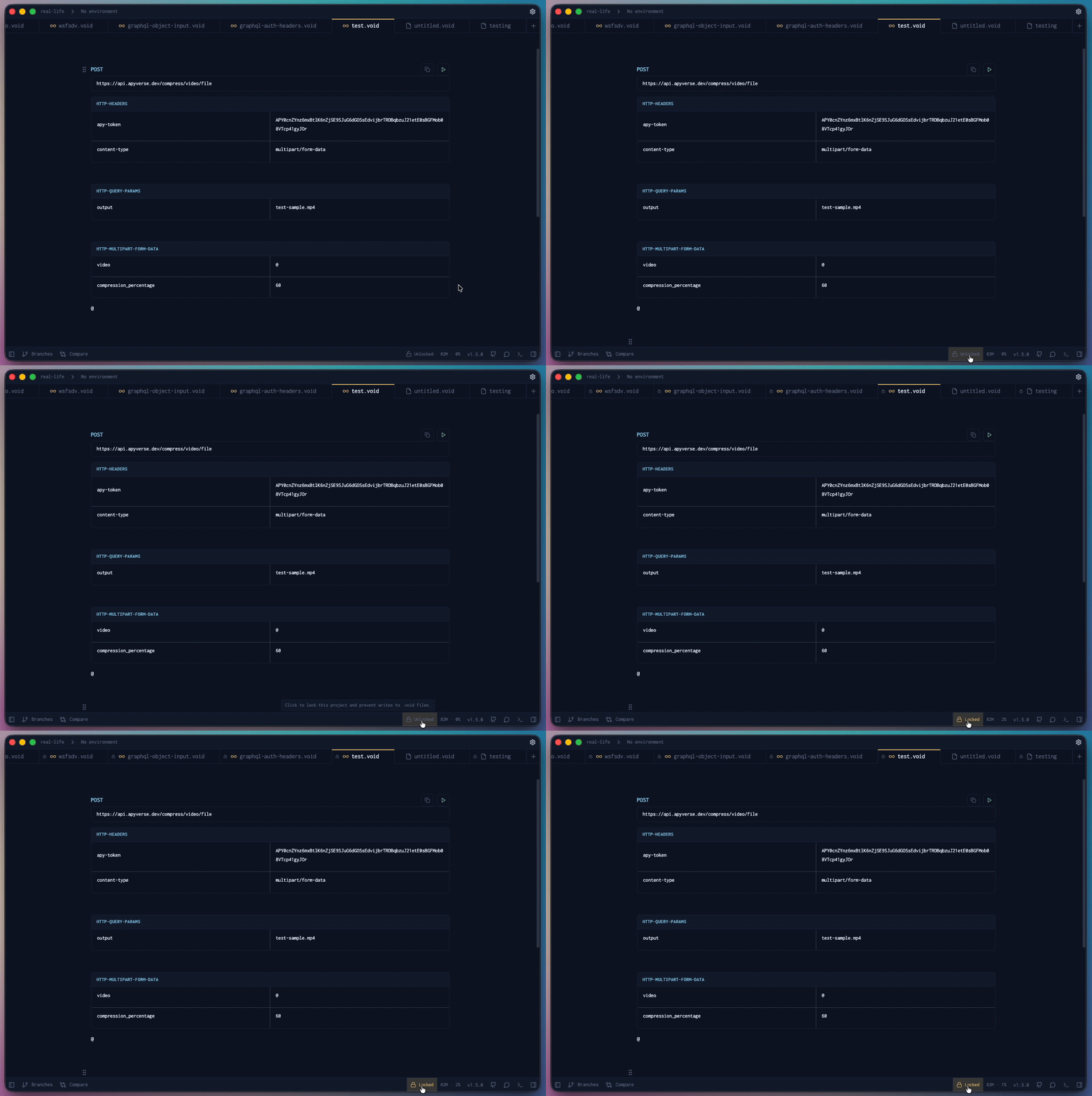
- Locked — icon is active, nothing gets saved this session
- Unlocked — back to normal, history and data write as usual
You can tell at a glance which state you're in, so there's no second-guessing.
Good Times to Use It
- You're just exploring — testing an endpoint you're not sure about and don't want it cluttering your history
- You're on a shared machine — don't want your test runs mixing in with someone else's data
- You're working with sensitive stuff — credentials, personal data, anything you'd rather not have sitting in a history file
- You want a clean run — starting fresh without past history potentially getting in the way
Everything Else Still Works
Lock Mode is purely about saving — it doesn't touch anything else. Your requests run exactly the same:
- All your blocks, headers, body, auth, params — all work as normal
- Responses still show up in the response panel
- Variables and environments are still applied
- Single requests and Run All both work fine
Just This Session
Lock Mode is scoped to your current session. The second you close and reopen, you're back to normal. It also has zero effect on anything saved before you turned it on — that data is untouched.
The Short Version
Turn it on, test freely, turn it off. One click in the status bar — no config, no cleanup, nothing left behind.