Customize Your Visual Experience
Voiden is yours to customise. Whether you're a dark mode devotee, a font nerd, or someone who just wants things to feel right — the Appearance settings have you covered.
Theme
Pick the theme that suits how you work. Voiden comes with its own default theme, and you can switch it up anytime.
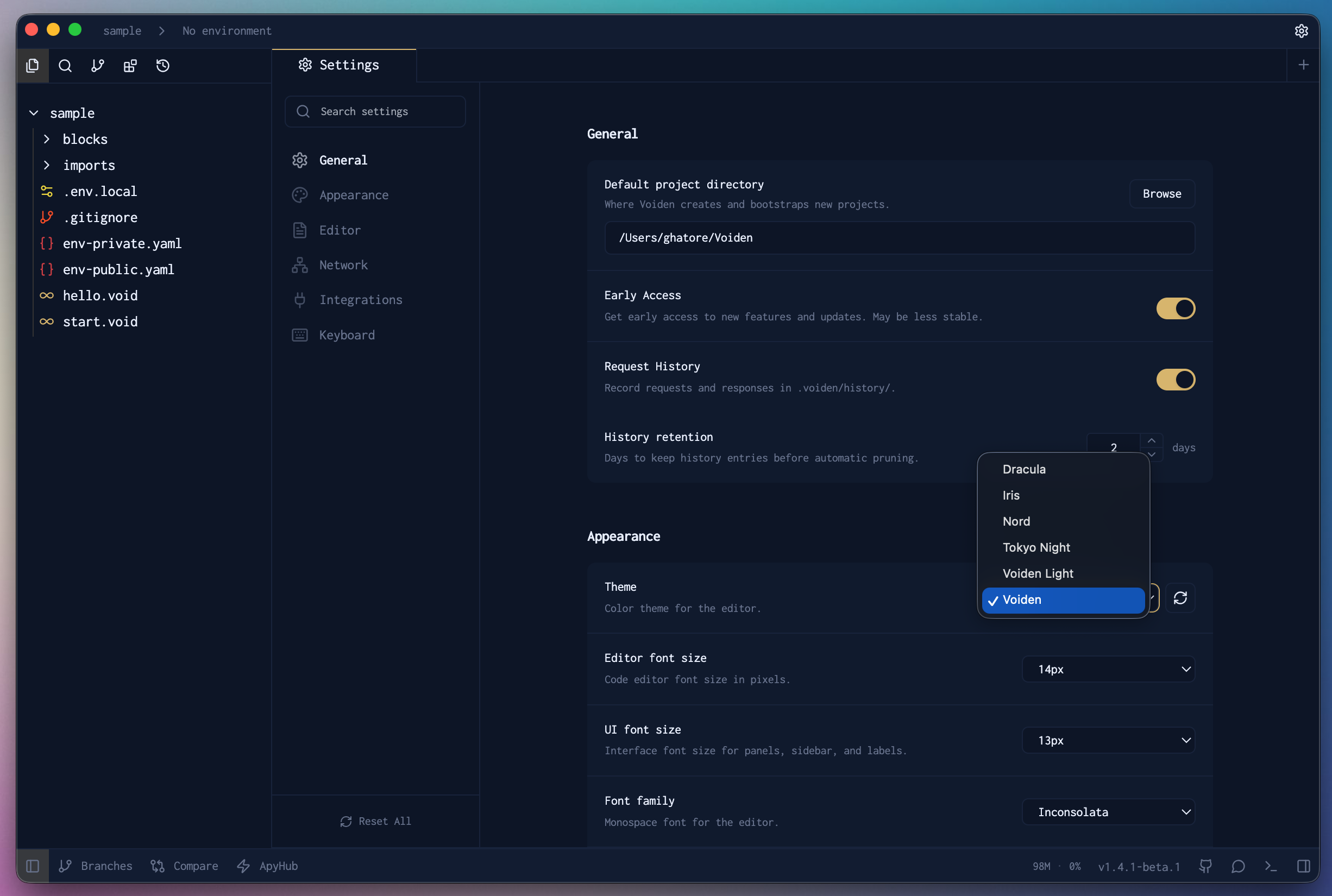
Themes in Action
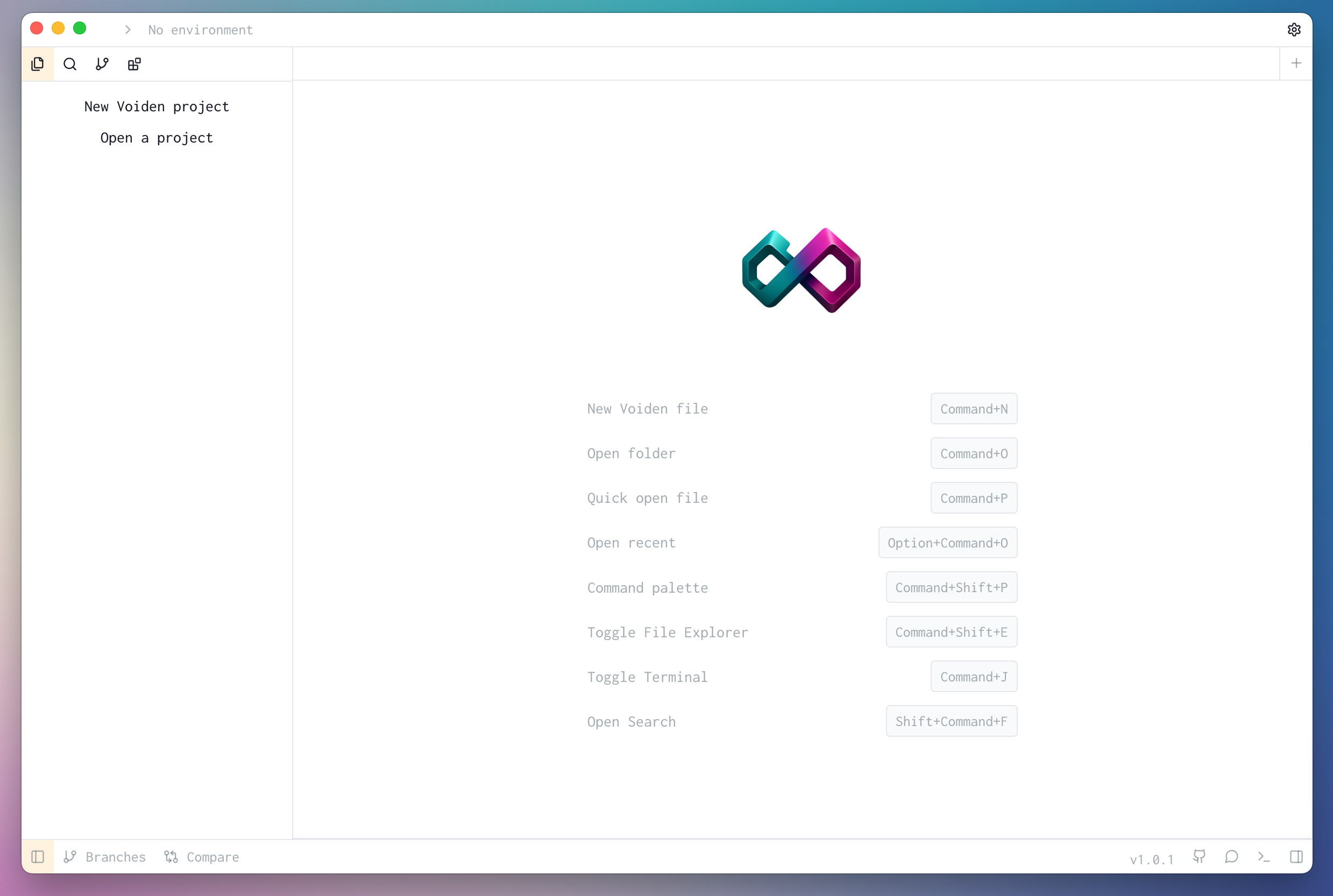
Light Theme
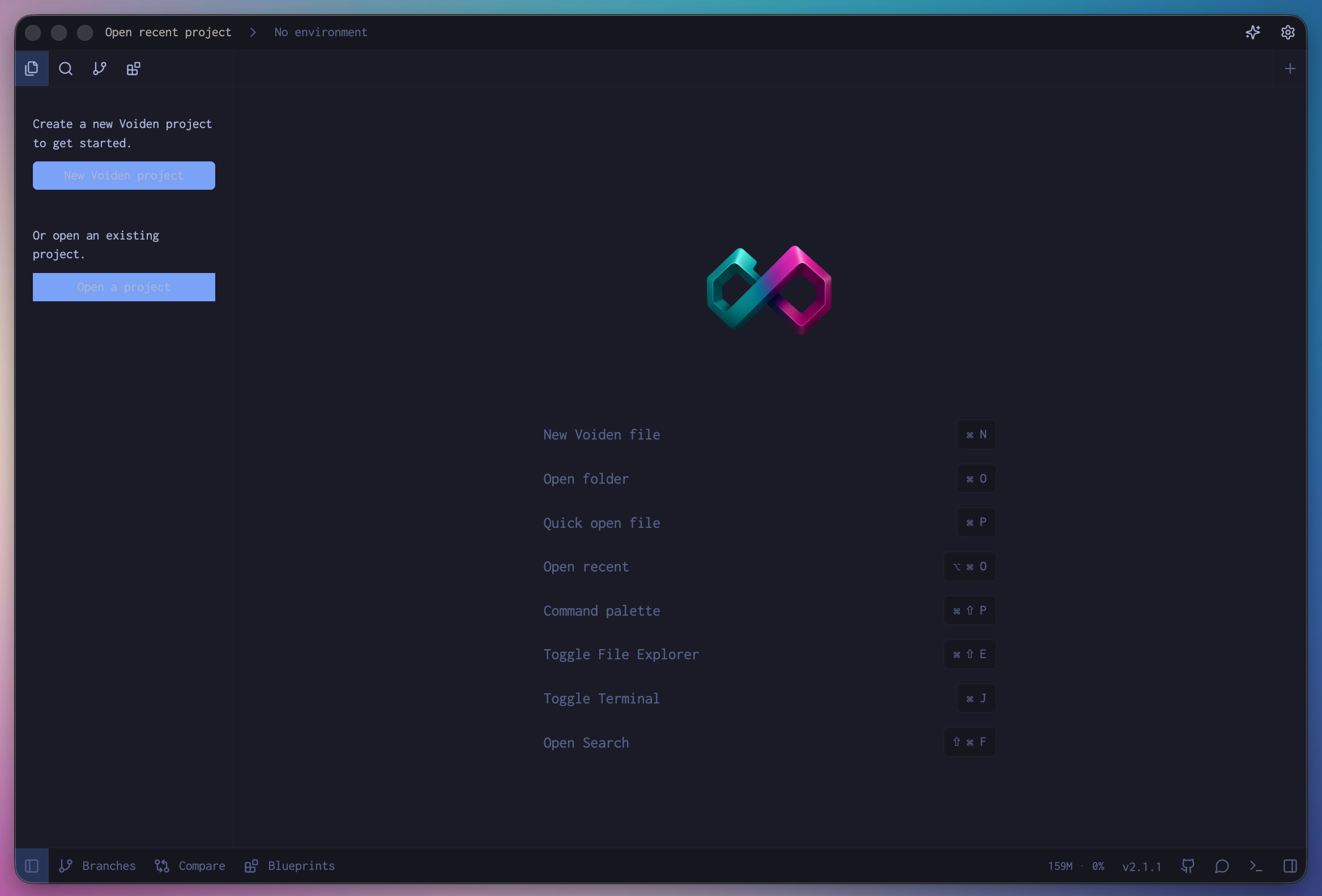
Dark Theme
Editor Display
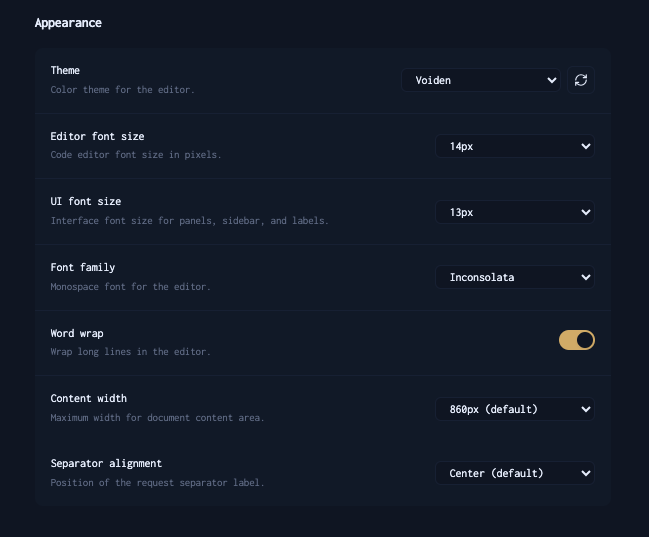
Everything about how the editor looks and feels. Tweak until it feels just right.
Editor Font Size
Controls the font size inside the code editor. Go bigger if you're squinting, go smaller if you want more visible at once. Default is 14px.
UI Font Size
Controls the font size for panels, the sidebar, and labels — everything outside the editor itself. Default is 13px.
Font Family
Pick the monospace font that feels most comfortable to read and write in. Default is Inconsolata.
Word Wrap
Wraps long lines so you don't have to scroll sideways to read them. Turned on by default and honestly worth keeping that way.
Content Width
Sets how wide the document content stretches across the screen. If you prefer a narrower, more focused view or want it wider — this is the setting for you. Default is 860px.
Separator Alignment
Controls where the request separator label sits — left, center, or right. Default is Center.
Summary
Voiden should feel good to work in, not just functional. Pick a theme you actually like, set the fonts to something comfortable, and adjust the layout until it clicks. It only takes a minute, and you'll notice the difference every time you open it.