The Basics
Before you start conjuring API magic, let’s cover a few Voiden fundamentals — the kind that make everything click.
The Voiden Editor
Voiden ships with its own custom editor, built on top of Tiptap (a rich-text editor that’s secretly Markdown in a nice outfit).
This isn’t just a text box — it’s your playground for building, linking, and commenting on API blocks like a pro.
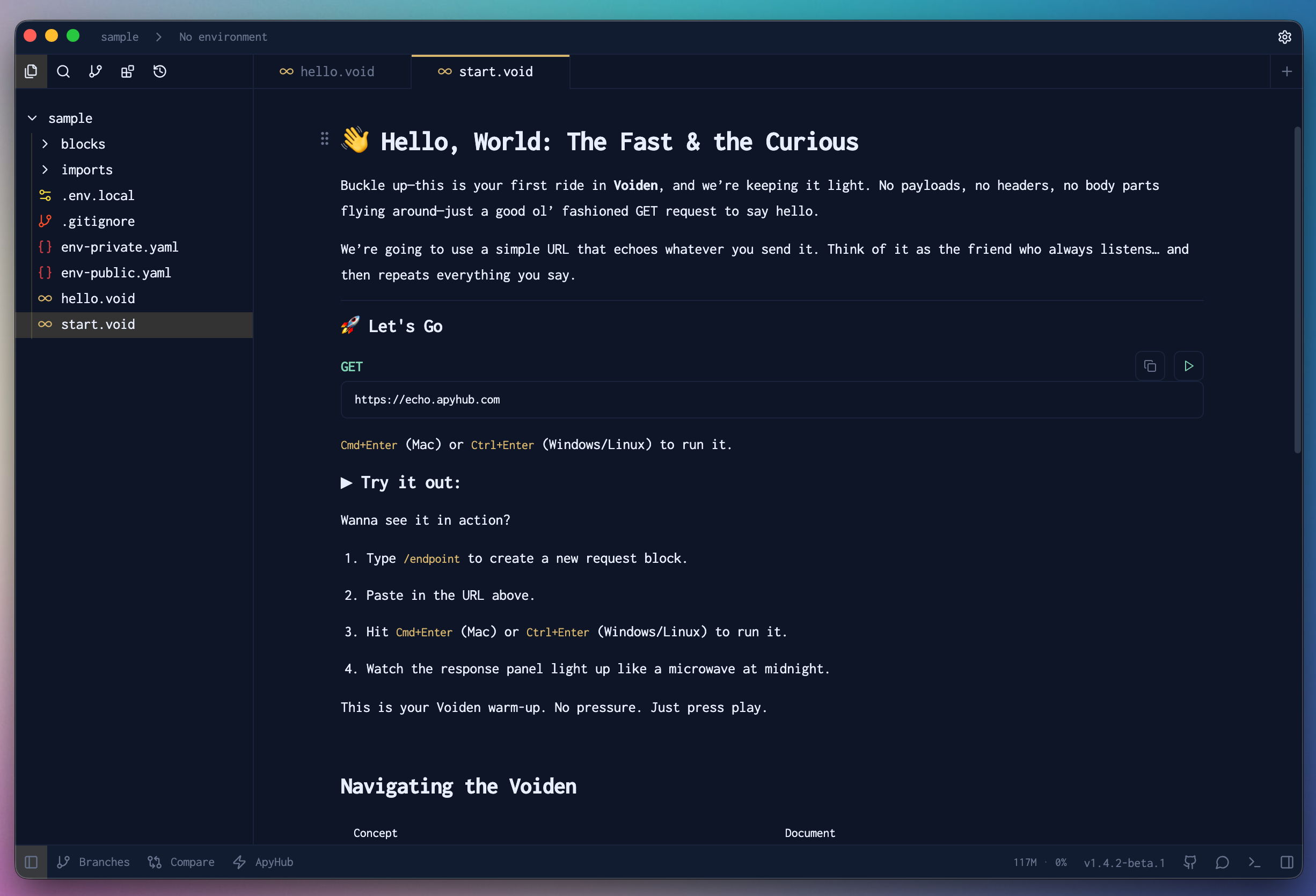
You can write, format, insert blocks, comment on JSON, add notes, and still keep everything cleanly stored as Markdown underneath.
Because plain text is forever.
Files and Structure
Everything in Voiden is, at its core, a Markdown file.
We just use the .void extension — not because we’re fancy, but because it makes it easier for Voiden to process your files, track blocks, and work its behind-the-scenes magic.
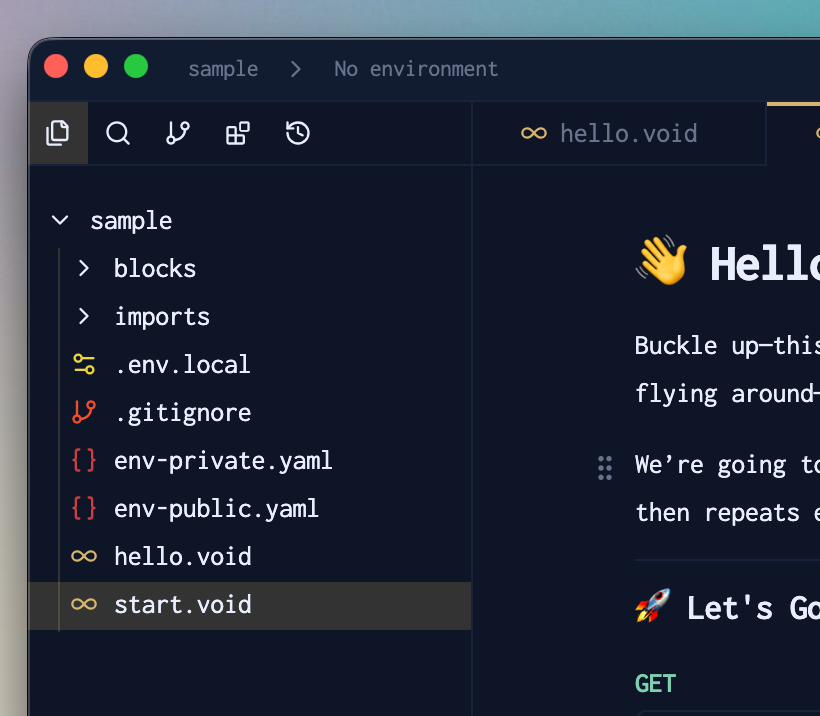
Think of .void files as Markdown with superpowers. They’re still readable, editable, and totally version-controllable.
Git-Friendly by Design
No databases. No proprietary formats. No “export to Markdown” button.
Your Voiden projects are pure Markdown, ready to commit, diff, merge, and roll back — just like any source code.
Want to know how Voiden works with Git? Check out the Git Integration documentation.
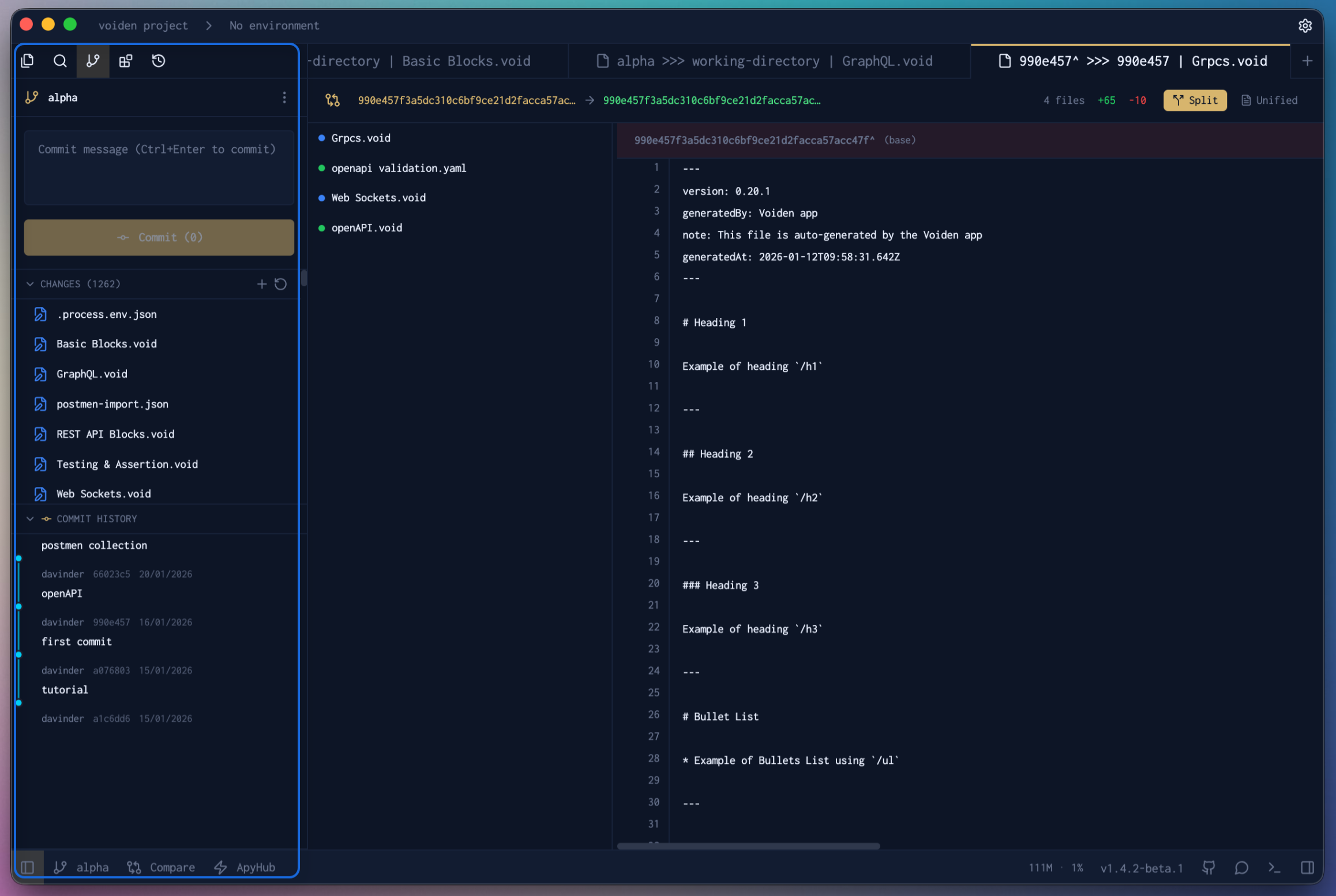
- Want to see what changed? Run
git diff. - Need to resolve a conflict? Open it in your favorite editor.
- Want to brag about a perfect merge? Go ahead, you’ve earned it.
Voiden keeps your workflow transparent, flexible, and 100% yours.
Voiden Terminal
Voiden comes with a built-in terminal — so you never have to leave the app to run a command. Whether you need to run a script, check a git status, or do anything else you would normally do in a terminal, you can do it right inside Voiden.
It’s lightweight, fast, and designed to fit naturally into your workflow — no switching windows, no context loss.
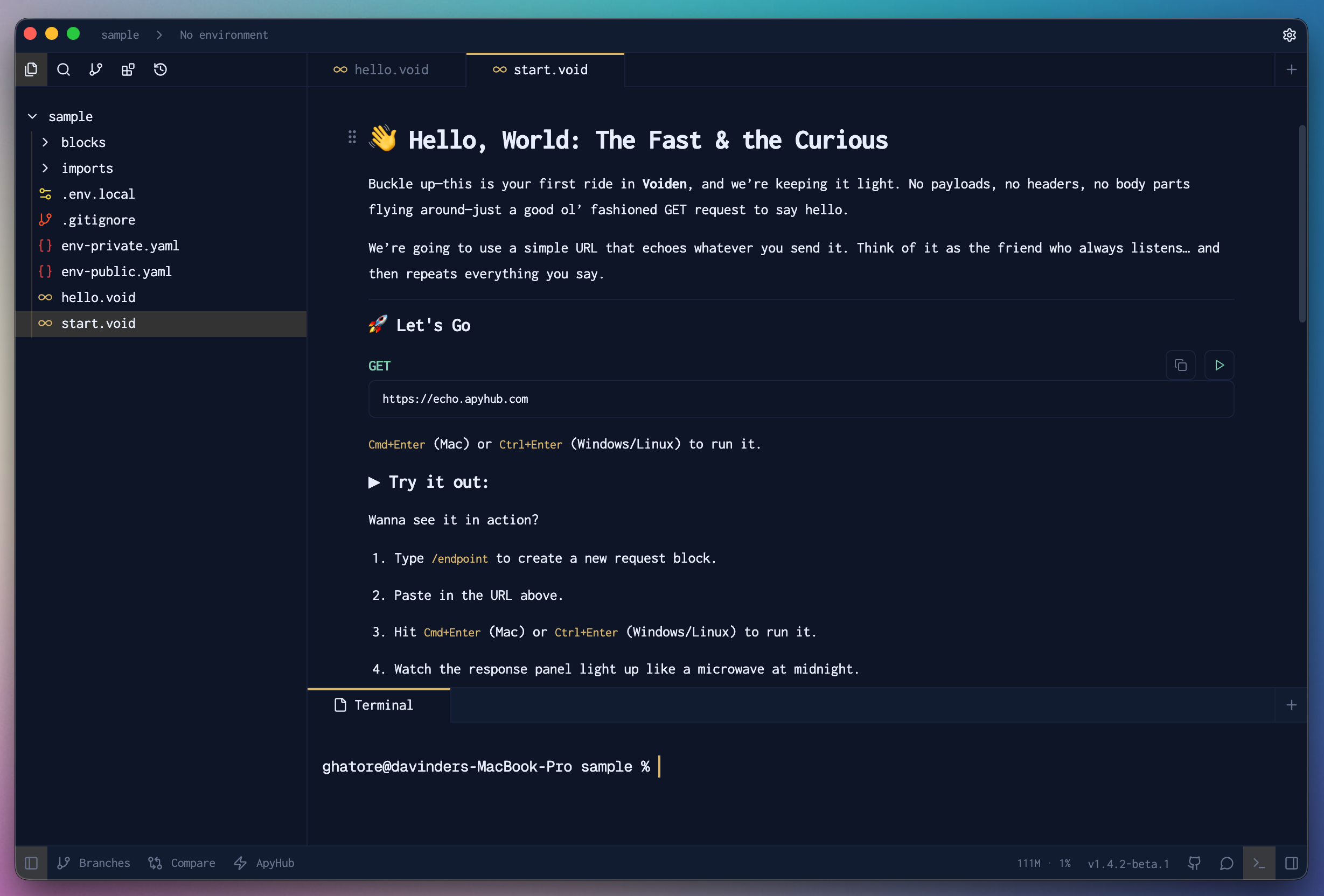
Voiden also has a CLI — so you can open projects, files, and directories straight from your terminal. Check out the Voiden CLI docs to see what’s possible.
Drag & Drop Blocks
Your blocks aren't set in stone. Once you've got them in place, you can drag and drop any block to wherever you want it — reorder your headers, shuffle your body block, whatever feels right. Just grab a block and move it. That's all there is to it.
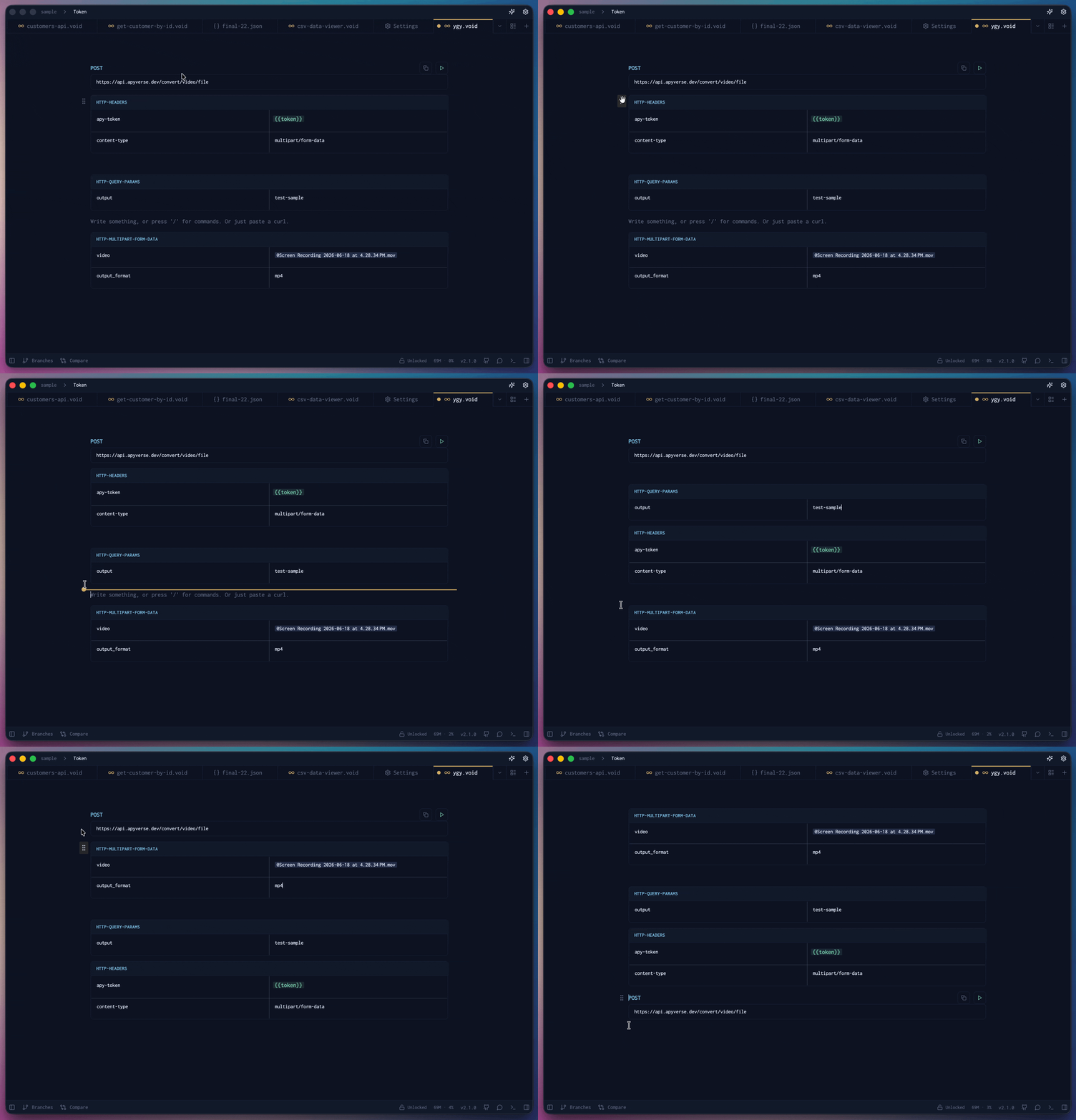
Select & Move Multiple Blocks Beta
Need to move more than one block at a time? Select a group — even blocks that aren't next to each other — and drag, delete, or cancel them together. The selection is temporary and never saved to the file.
Build a selection:
- Ctrl/Cmd+Click a block to add it to the selection. Click it again (still holding Ctrl/Cmd) to remove it — this is how you grab non-adjacent blocks, one at a time, in any order.
- Shift+Click after that to select every block between your last-clicked one and the one you just Shift+Clicked, both ends included. Shift+Click again further down to extend the range.
- Combine both: Ctrl/Cmd+Click a few individual blocks, then Shift+Click to add a range on top.
Selected blocks get a highlighted left border and background tint, so the whole selection is visible at a glance.
Move it: hover over any block in the selection until its drag grip appears, then drag. The whole group moves together, in the same order it was in — not just the block you grabbed. The selection clears automatically once the drag completes.
Delete it: press Backspace to remove every selected block in one go.
Cancel it: press Escape to clear the selection without touching the blocks — or Ctrl/Cmd+Click a selected block again to drop just that one and keep the rest.
Response Panel
Every request you send has a dedicated place to show its results. The Response Panel is a right-side panel that displays everything about your request and response — status code, headers, body, timing, and more — all in one clean view.
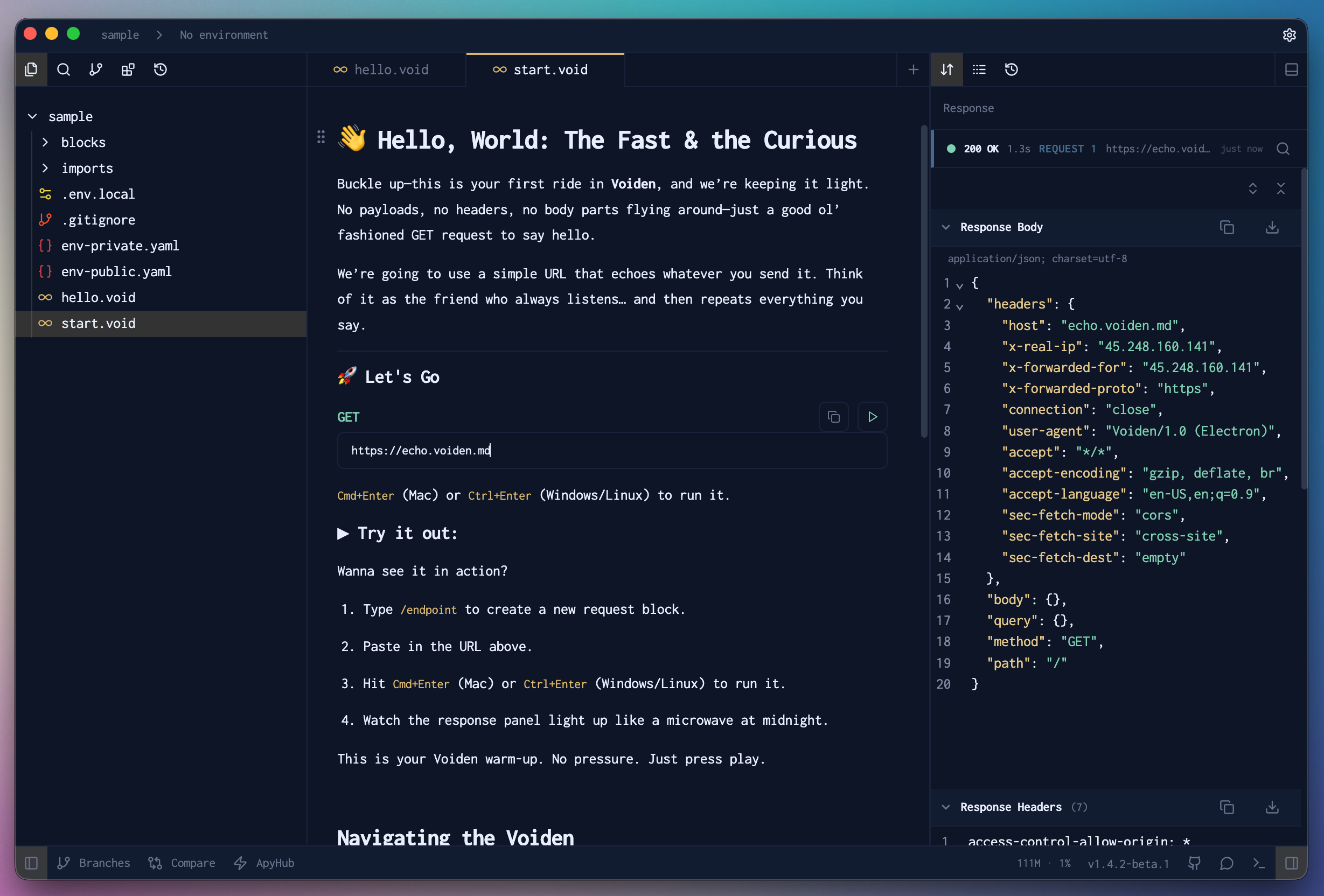
It updates the moment a response comes back, so you always have the latest data right in front of you without any extra steps.
Flexible Layout
The Response Panel isn't locked to the right side. You can move it to the bottom of the editor if that works better for your screen setup — or keep it docked alongside the built-in terminal so both panels sit together in one place.
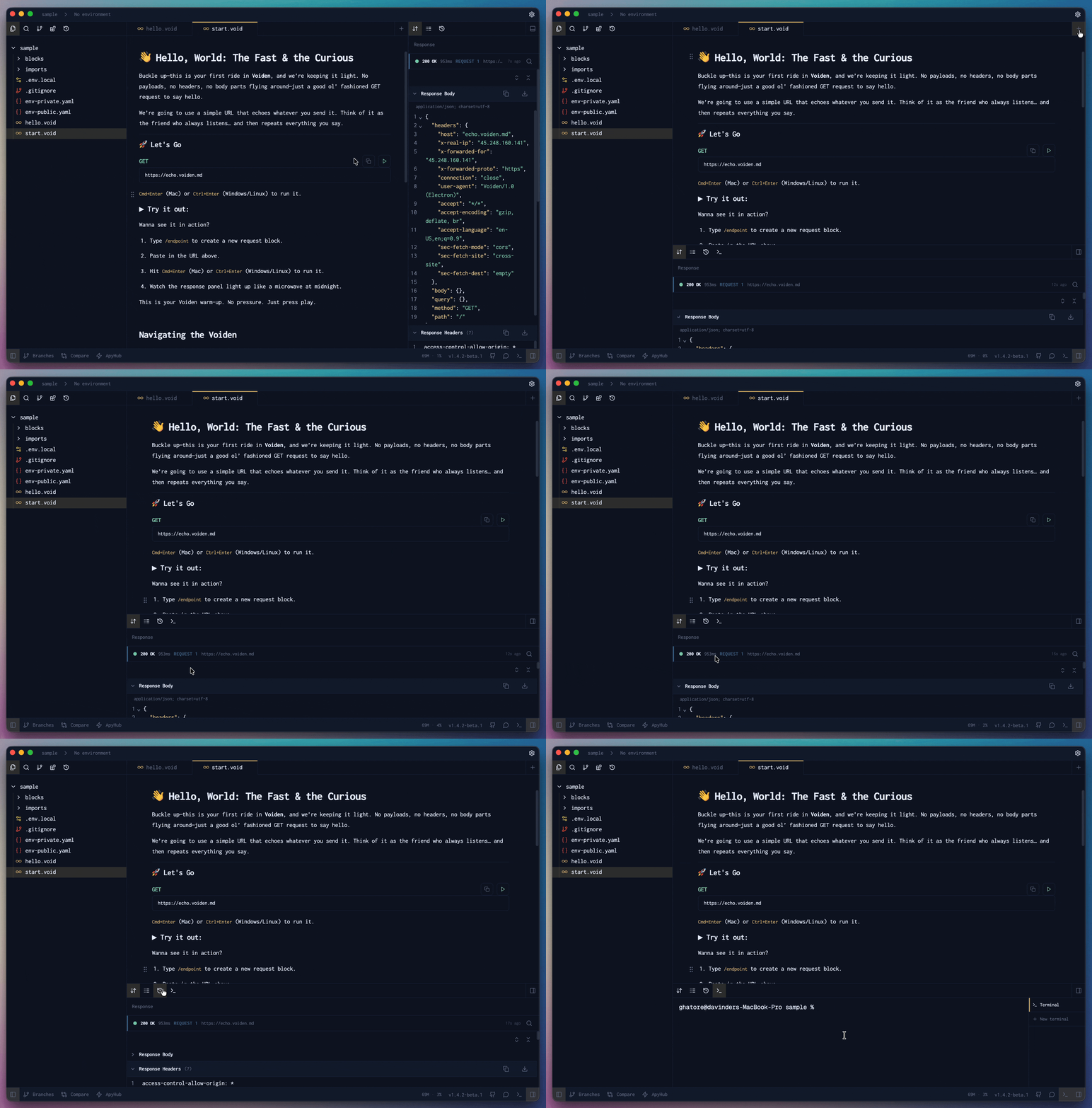
It's designed to adapt to how you work, not the other way around.
Extendable with Tabs
The Response Panel doesn't stop at just the response. It comes with built-in tabs like Script Logs and History out of the box — and can be extended further through plugins. Install a plugin and new tabs appear automatically, giving you more context right where you need it, without cluttering the main editor.
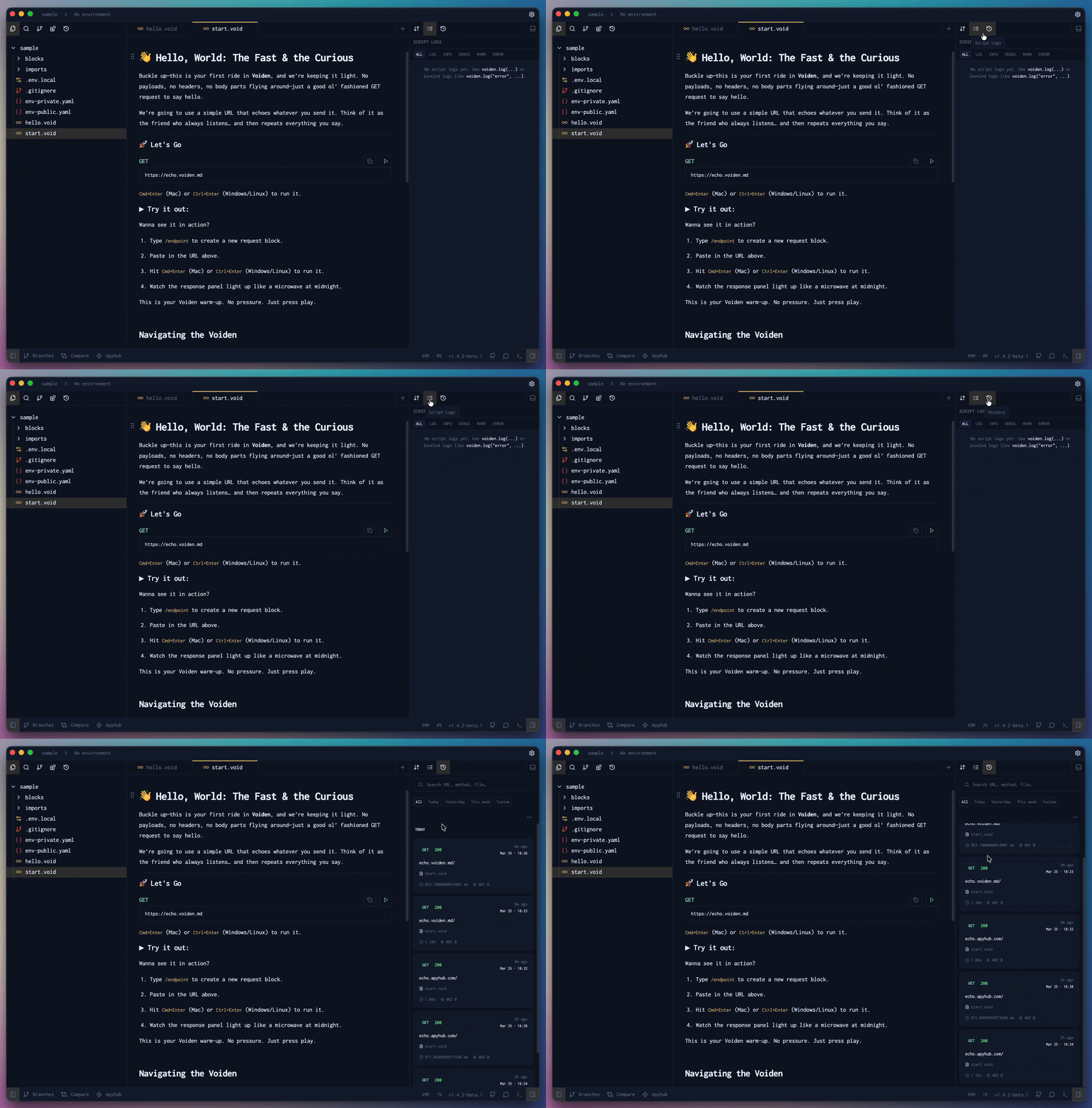
Multiple Windows
Need more screen space or want to work on two files side by side? No problem. Voiden supports multiple windows so you can spread your work out however feels right.
Just press Cmd + Shift + N (macOS) or Ctrl + Shift + N (Windows/Linux) to open a new window. Each window is fully independent, so you can have different projects, different files, or run requests in parallel without anything getting in the way.
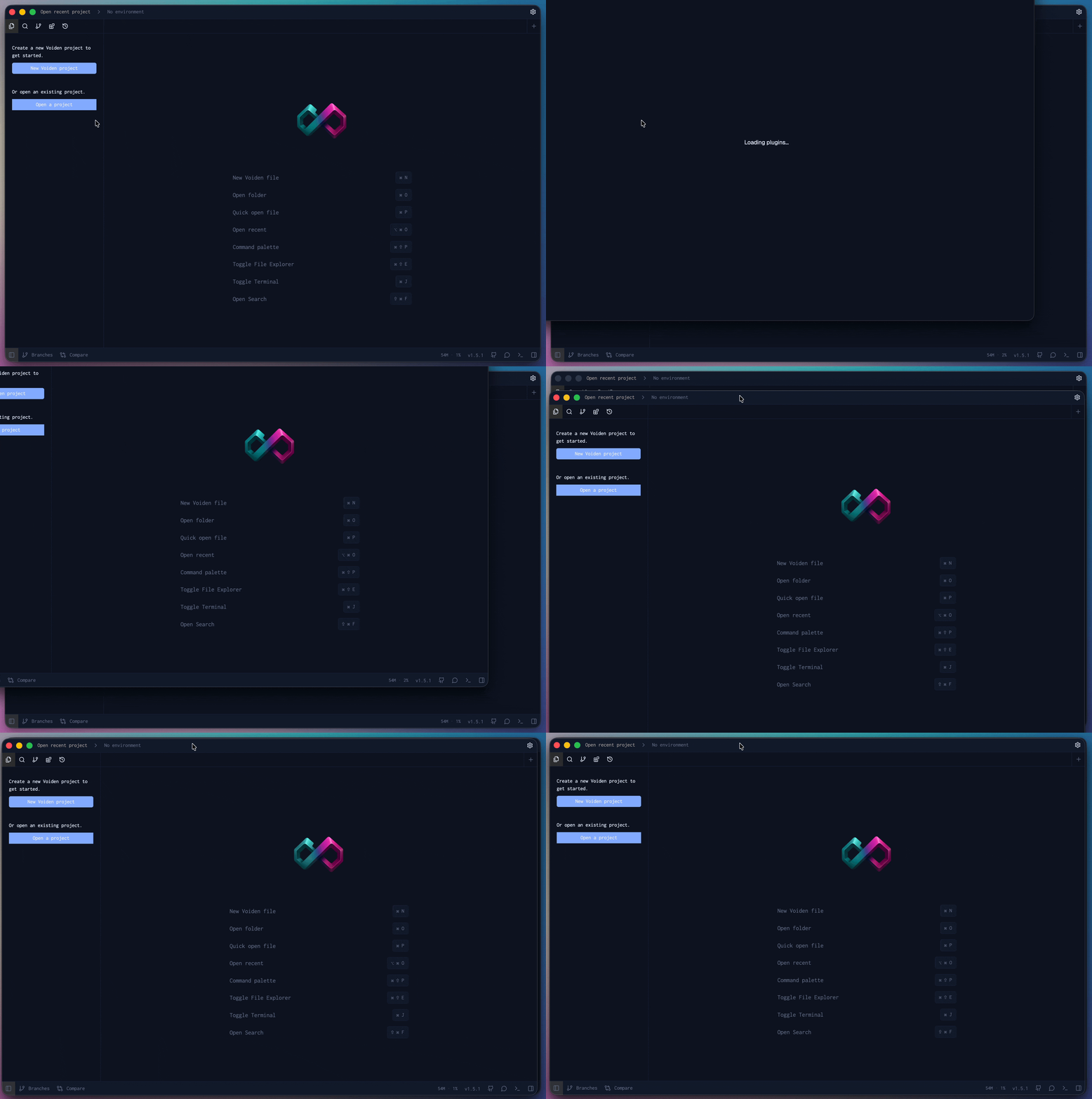
When you're done with a window, closing it is just as easy. Head to the hamburger menu in the top left, go to File, and hit Close Window. That's all there is to it.
Ready to get started?
Install Voiden to set up Voiden on your system and start building.