Pre Script
The Pre Script block lets you run custom logic before a request is sent.
It executes locally inside Voiden — not on the API endpoint — in an isolated environment. Use it to dynamically prepare the request: generate tokens, update headers, set variables, or add conditional logic.
Voiden supports JavaScript, Python, and Shell (bash).
For a full reference of what you can do inside a script, see the Voiden Scripting.
How to Insert
-
In your Voiden file, type
/pre_scriptand press Enter.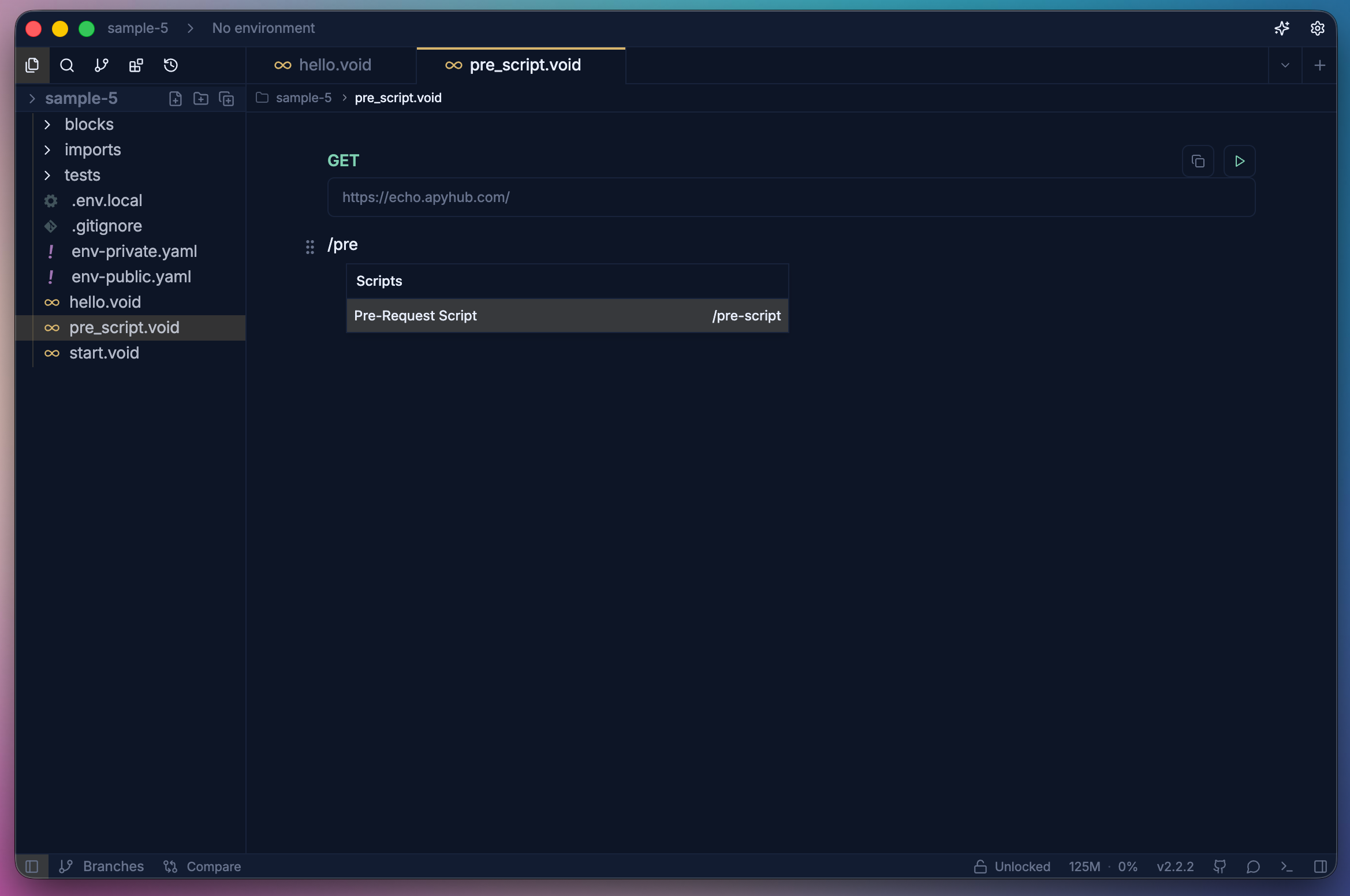
-
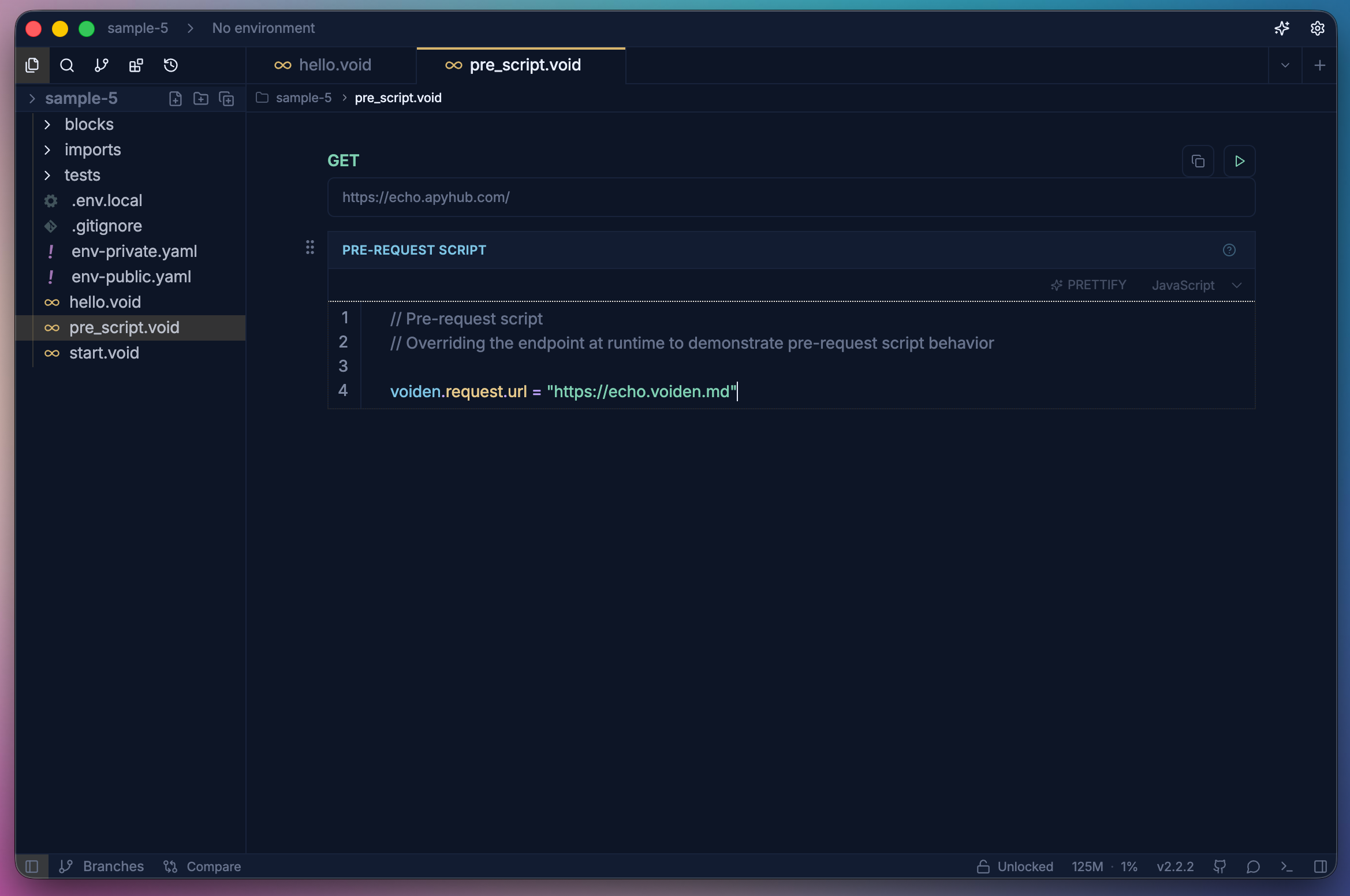
Add your script logic inside the block.
-
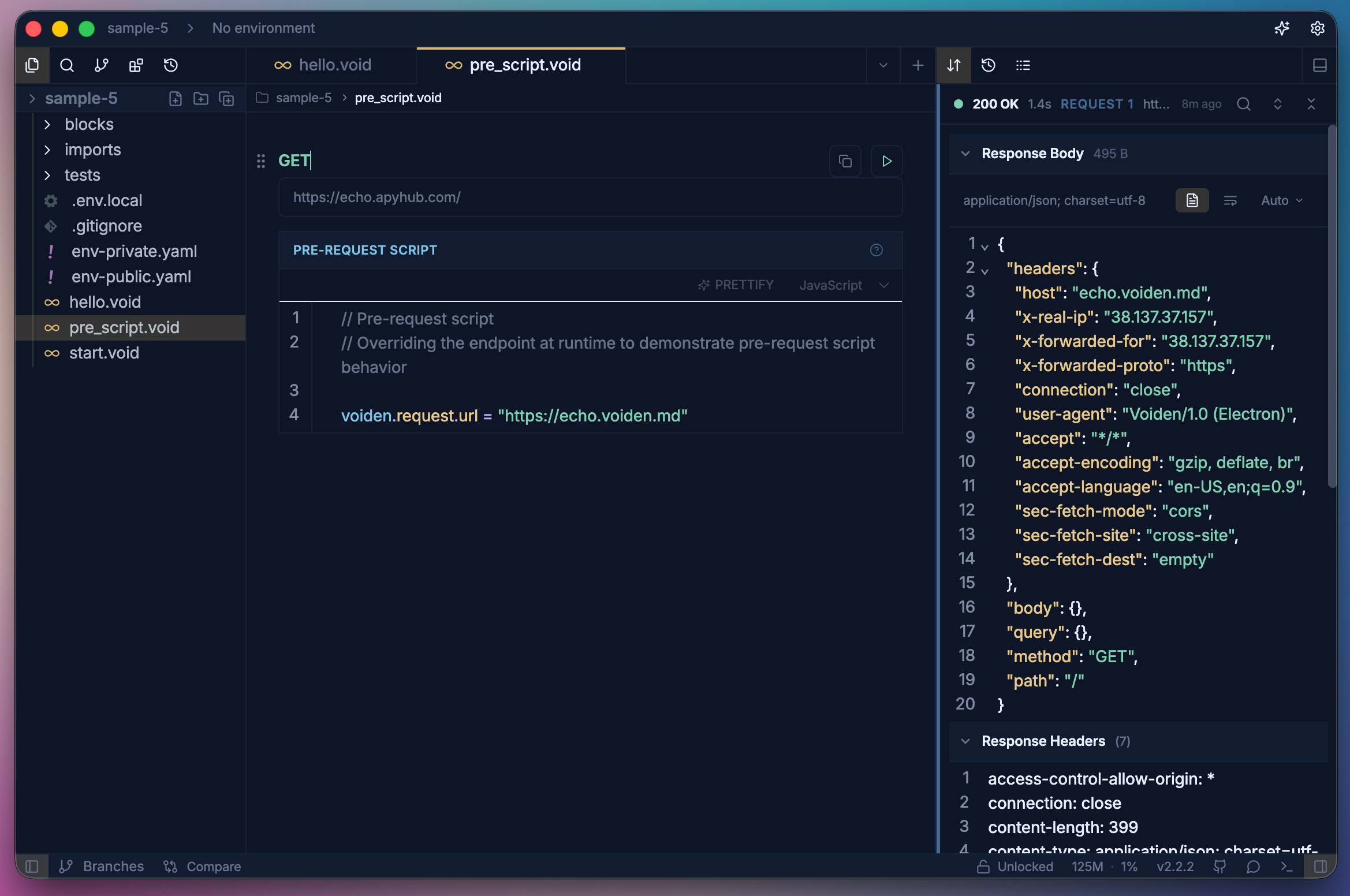
Run the request with Cmd + Enter (Mac) or Ctrl + Enter (Windows/Linux).
-
View response and assertions in the Response panel and logs in the Script Logs.
What You Can Access
Inside a Pre Script, the voiden.request object is fully writable:
| Property | Description |
|---|---|
voiden.request.url | Request URL |
voiden.request.method | HTTP method |
voiden.request.headers | Request headers |
voiden.request.body | Request body |
voiden.request.queryParams | Query parameters |
voiden.request.pathParams | Path parameters |
Examples
The following are a few common examples of what you can do inside a Pre Script. Since scripts run in a full Node.js, Python, or bash process, you're not limited to these — you can write any logic you need.
Override a Header
- JavaScript
- Python
- Shell
voiden.request.headers = [{ key: "Authorization", value: "Bearer token" }];
voiden.request.headers = [{"key": "Authorization", "value": "Bearer token"}]
voiden.request.headers.push "Authorization" "Bearer token"
Extend Headers Without Overriding
- JavaScript
- Python
- Shell
voiden.request.headers.push({ key: "X-Trace", value: "abc" });
voiden.request.headers.push({"key": "X-Trace", "value": "abc"})
voiden.request.headers.push "X-Trace" "abc"
Modify the Request Body
- JavaScript
- Python
- Shell
voiden.request.body = { name: "Voiden" };
# Python — all keys and string values must use double quotes
voiden.request.body = {"name": "Voiden"}
voiden.request.body '{"name":"Voiden"}'
Canceling the Request
You can stop the request from being sent entirely:
- JavaScript
- Python
- Shell
voiden.cancel();
voiden.cancel()
voiden.cancel
Summary
Pre Scripts give you full control over the request before it is sent. Use them to inject auth tokens, transform payloads, add tracing headers, or conditionally cancel requests based on runtime state.