Endpoint Block
Every API call starts with a destination and a method.
The Endpoint Block in Voiden gives you both — a clean space to define your URL and an HTTP method, with a built-in Run button right where you need it.
No hidden dropdowns. No separate panels for method selection.
Just type your endpoint, type your method (GET, POST, PUT, DELETE, PATCH, HEAD), and hit run — all in one focused block.
Try it Out
- In your Voiden file, type
/endpointand press Enter to create an Endpoints Block.
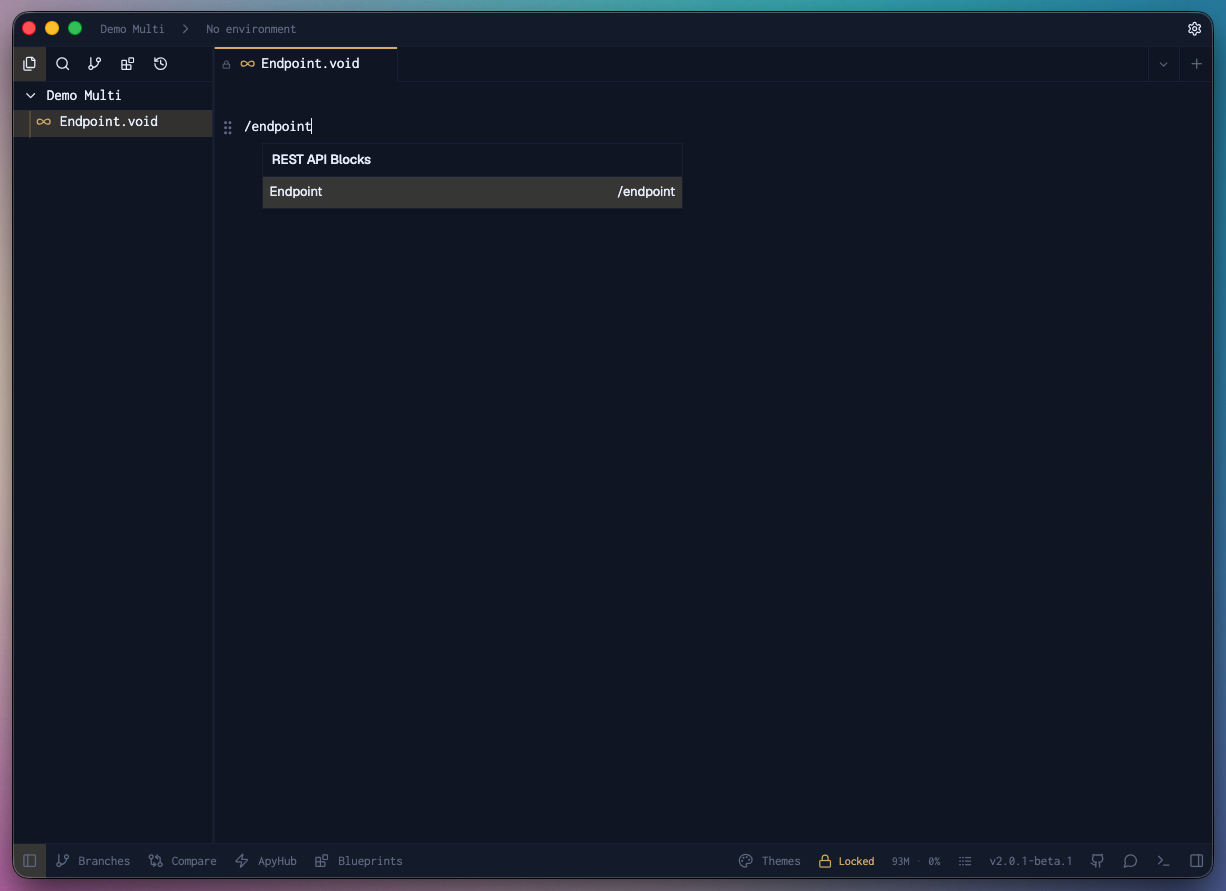
- Paste this URL:
https://echo.voiden.md - Run it by either:
-
Run the request using Cmd + Enter (Mac) or Ctrl + Enter (Windows/Linux),
or click the green Play button attached to the top right corner of the block. -
Check the Response Panel — you’ll see the status, delay, and the endpoint you sent a request to.
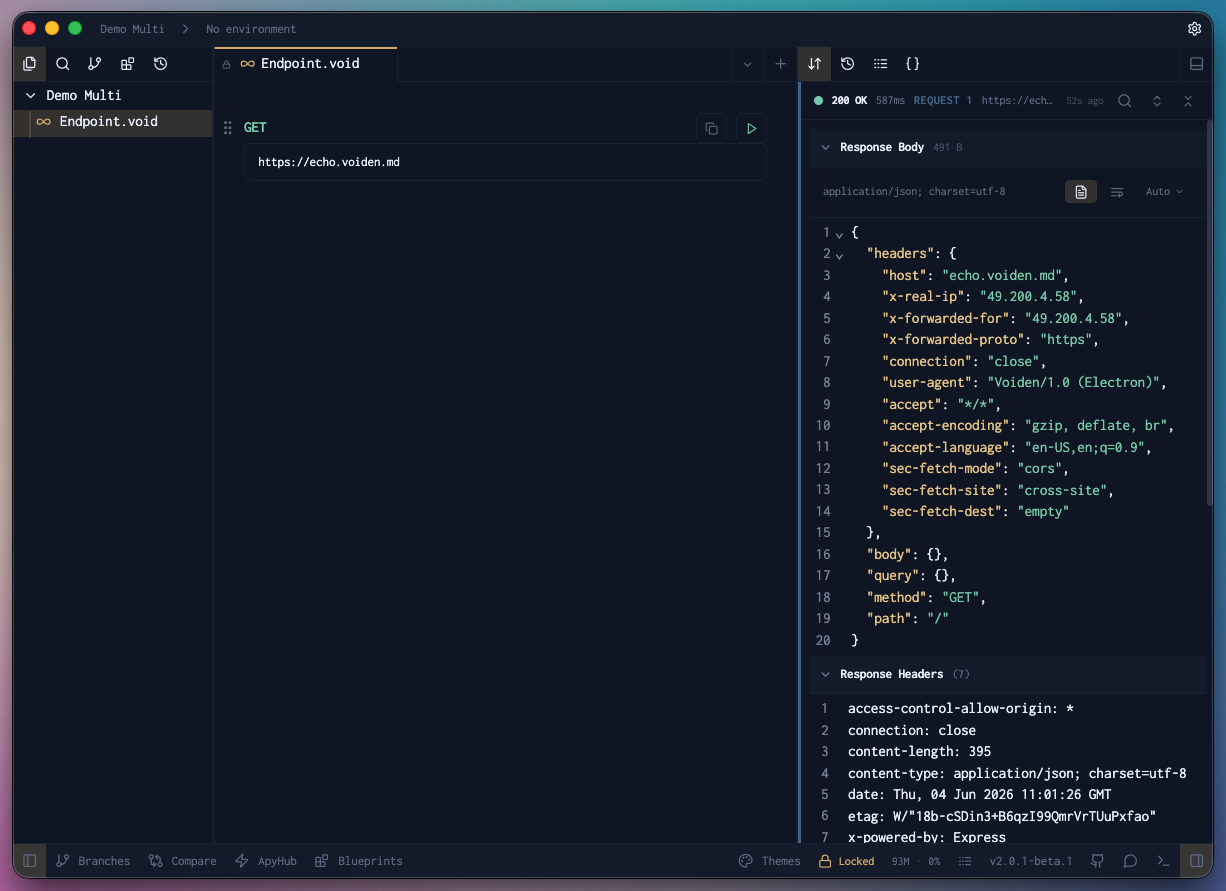
Pro Tip: Endpoints Block defaults to
GETmethod unless you specifically choose a different one.
The Endpoint Block keeps your API calls transparent and ready to run.
Everything you need — URL, method, and execution — in one visible, editable place.