Query Params Block
Query parameters turn a simple URL into a powerful filter, search, or configuration tool.
The Query Params Block lets you define URL parameters as a clean key-value table in Voiden. No more manually encoding ampersands and question marks into your endpoint string.
Add, edit, or remove parameters without touching the URL itself.
Voiden handles the formatting and encoding automatically, keeping your endpoint clean and your parameters organized.
Try it Out
- Type
/queryand press Enter to create a Query Params Block in your Voiden file.
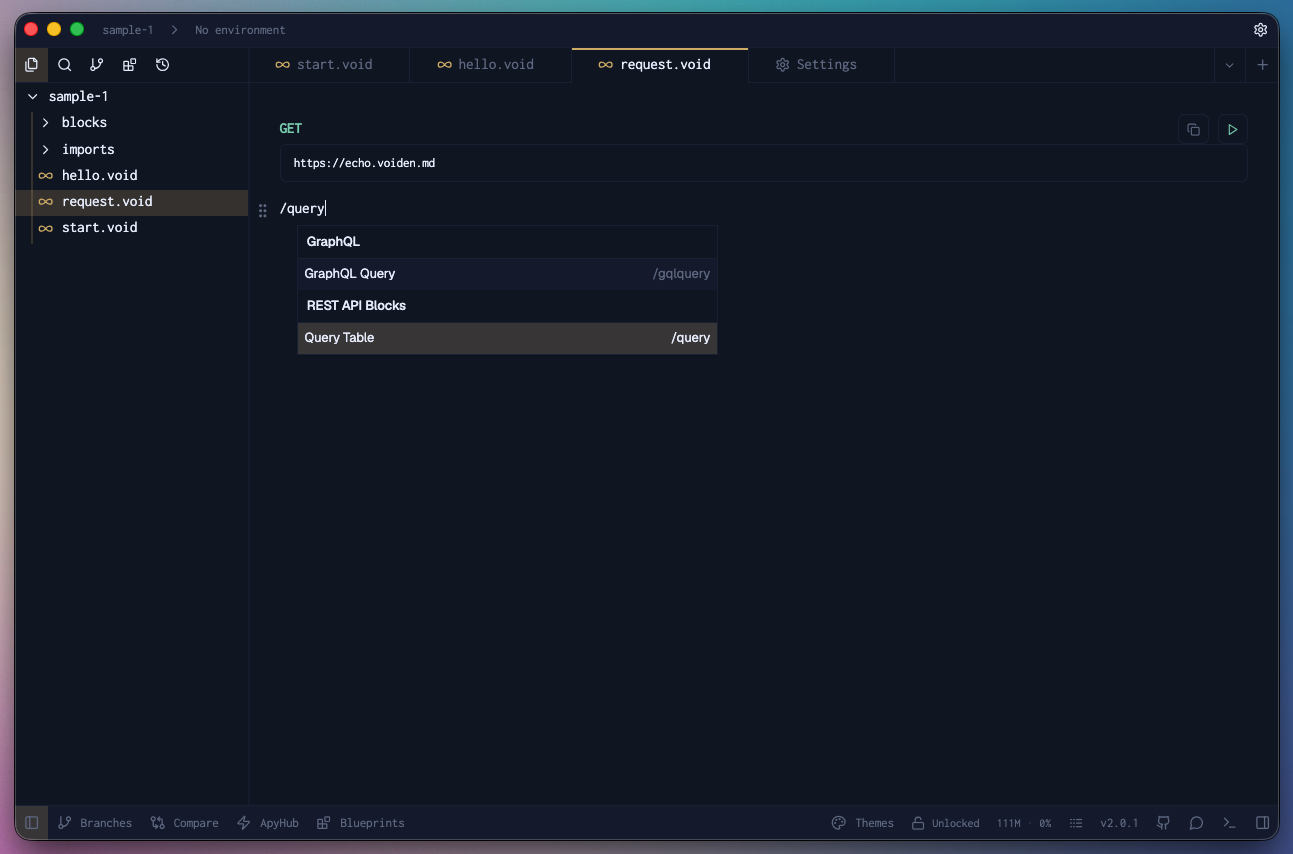
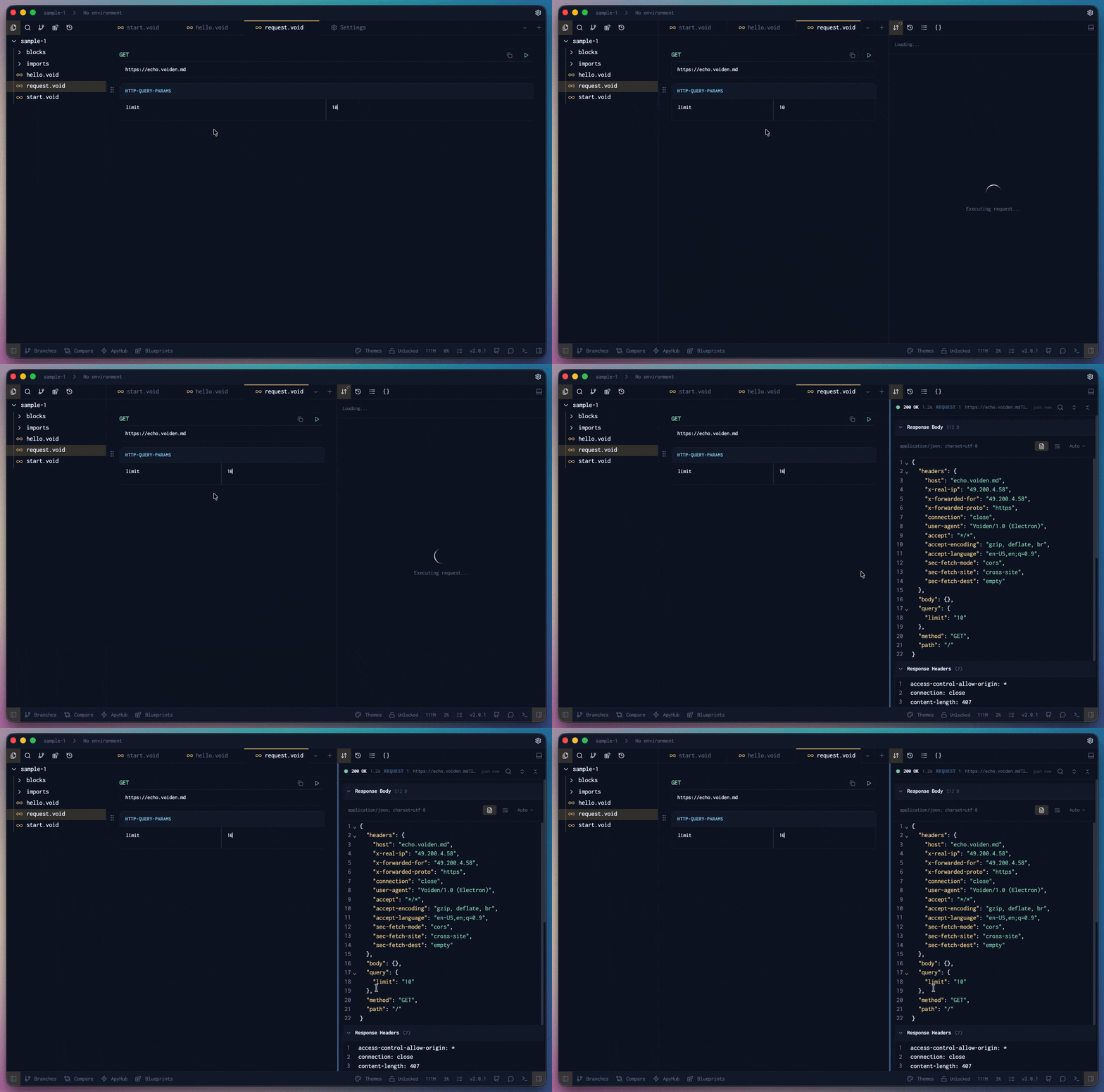
- Add the key-value pairs to the table.
- Run the request using Cmd + Enter (Mac) or Ctrl + Enter (Windows/Linux),
or click the green Play button in the toolbar. - Check the Response Panel. In the Request Summary / Security section you’ll see your query params applied to the endpoint URL, confirming they’re being sent as expected.
Pro Tip: Want to temporarily disable a query param without deleting it?
Use Cmd + / (Mac) or Ctrl + / (Windows/Linux) to comment it out.
It’ll stay visible but won’t be sent with the request.
The Query Params Block keeps your URLs readable and your parameters manageable.
No manual encoding. No URL clutter. Just a simple table.