JSON Block
When your API needs data, it usually wants JSON.
The JSON Block in Voiden gives you a dedicated space to craft your request body — whether you're sending user data, search queries, or configuration objects.
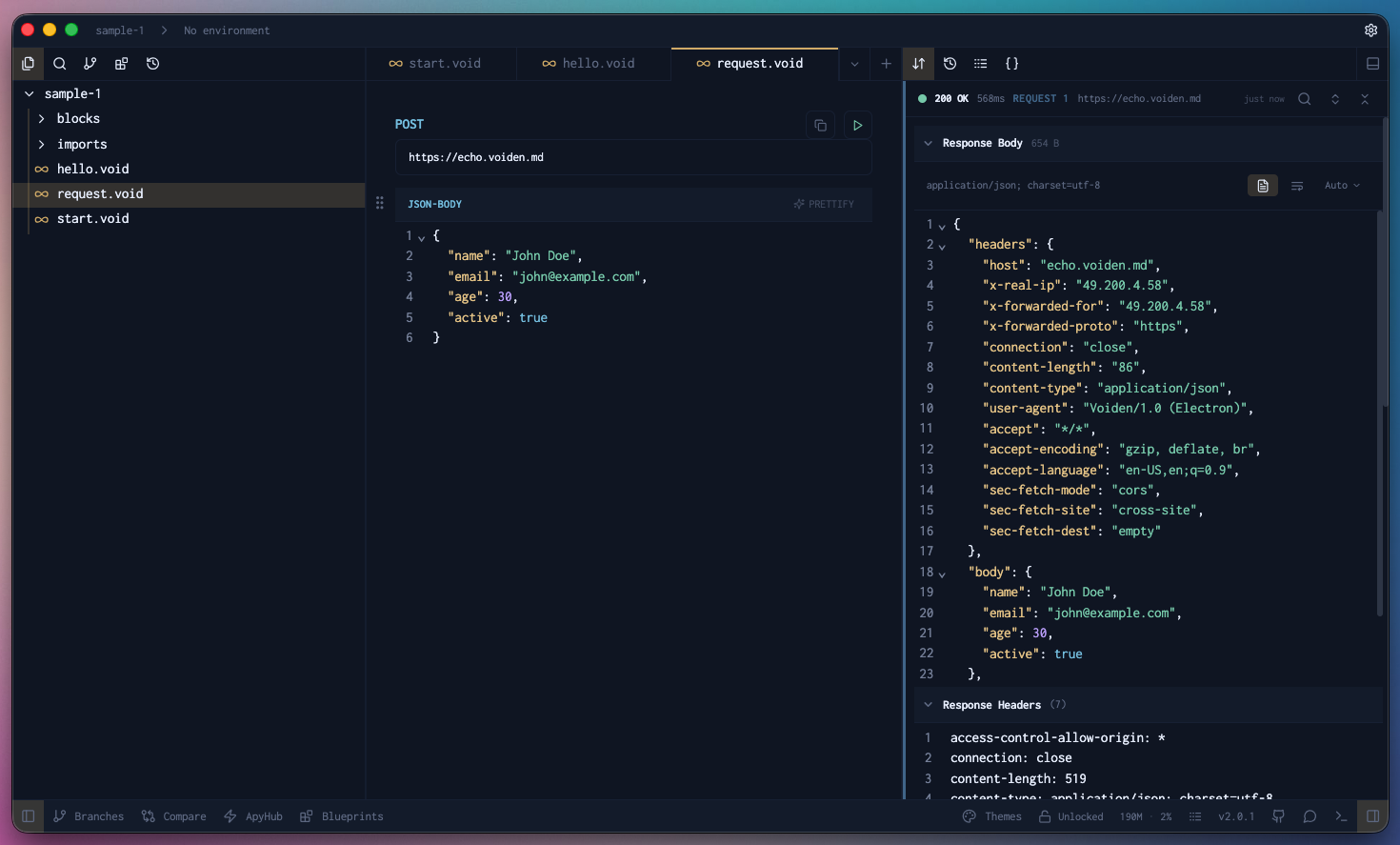
Type it out or paste it in. Either way, you get a clean editor that understands JSON.And when things get messy? Hit Prettify in the top-right corner to instantly format your JSON into readable, indented perfection.
Try it Out
- Type
/jsonto add a request body block to your Voiden file
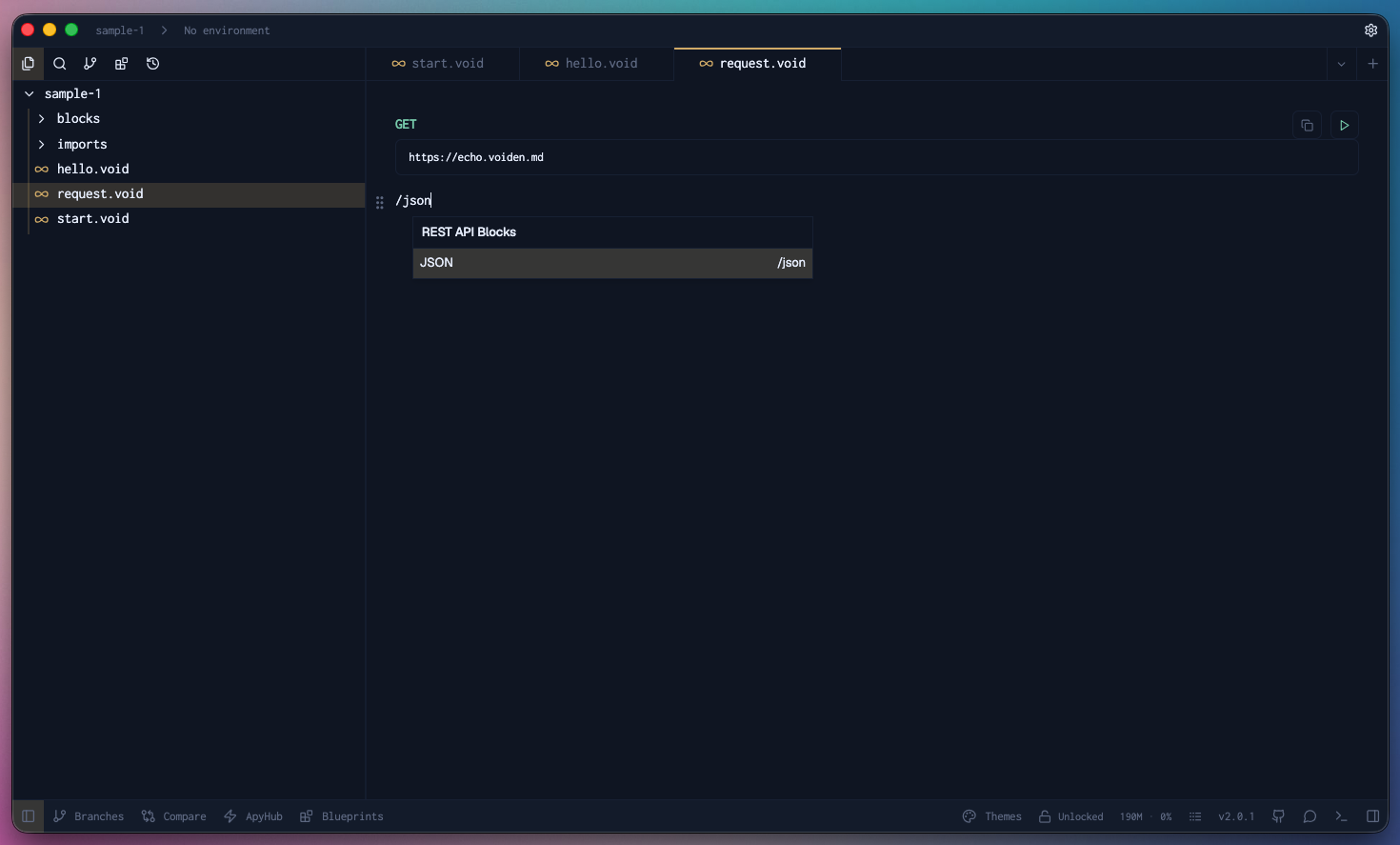
- Paste in (or type) the sample JSON
- Hit Cmd + Enter (Mac) or Ctrl + Enter (Windows/Linux) to run the request
or click the green Play button in the toolbar.
Pro Tip: Want to comment out a field without overkill?
Use Cmd + / (Mac) or Ctrl + / (Windows/Linux) to comment out a JSON line you don't need for that request.
It’ll stay visible but won’t be sent with the request.
Unless you click the Prettify option in the top right corner of the block. Then all the comments will go bye-bye.
The JSON Block keeps your request body visible and editable, right where it belongs.
Just pure JSON.