Digest Authorization Block
Basic Authorization is like writing your password on a postcard and mailing it to the server. Sure, it's encoded in Base64, but that's just putting a mustache and glasses on your password - everyone still recognizes it!
Authorization Digest is like a spy proving they know the secret code by showing they can solve the puzzle, without ever revealing the code itself!
Try it Out
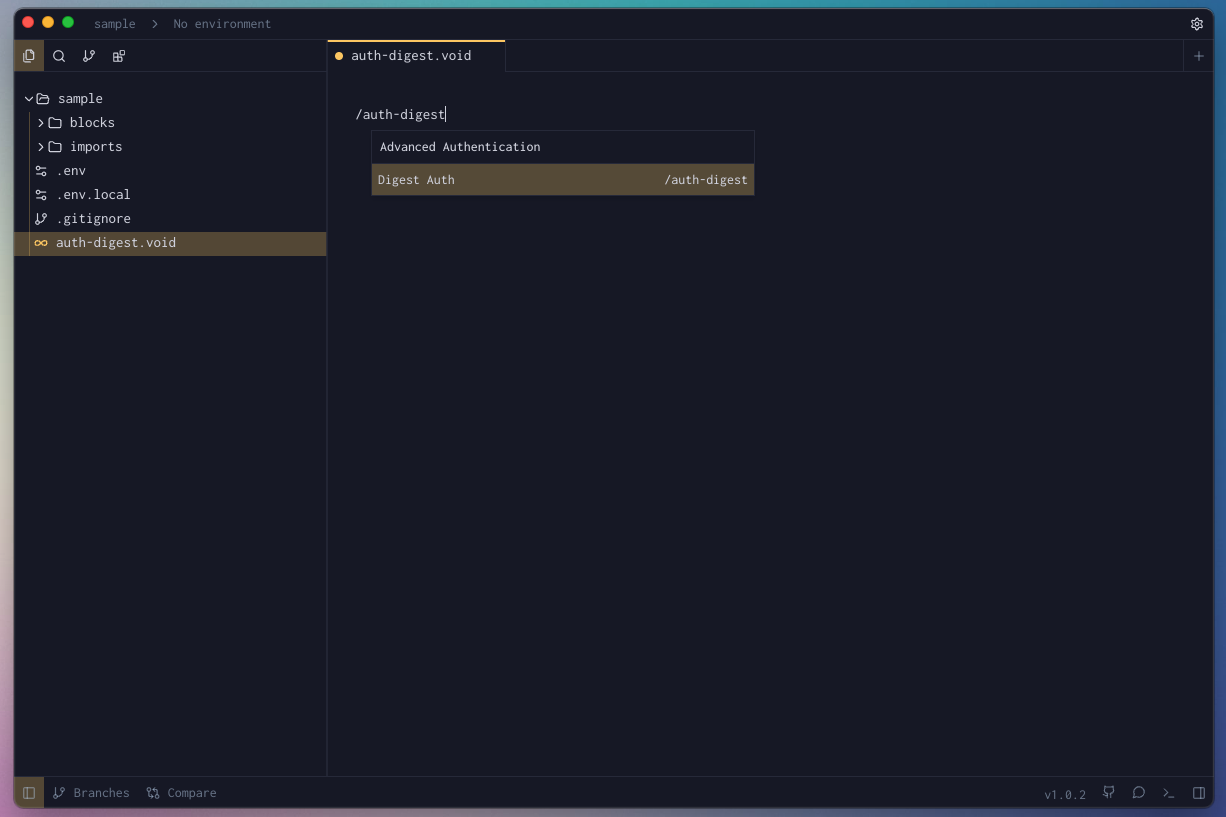
- In your Voiden file, type
/auth-digestand press Enter to create a Authorization Digest Block.
- Fill the required params for the block.
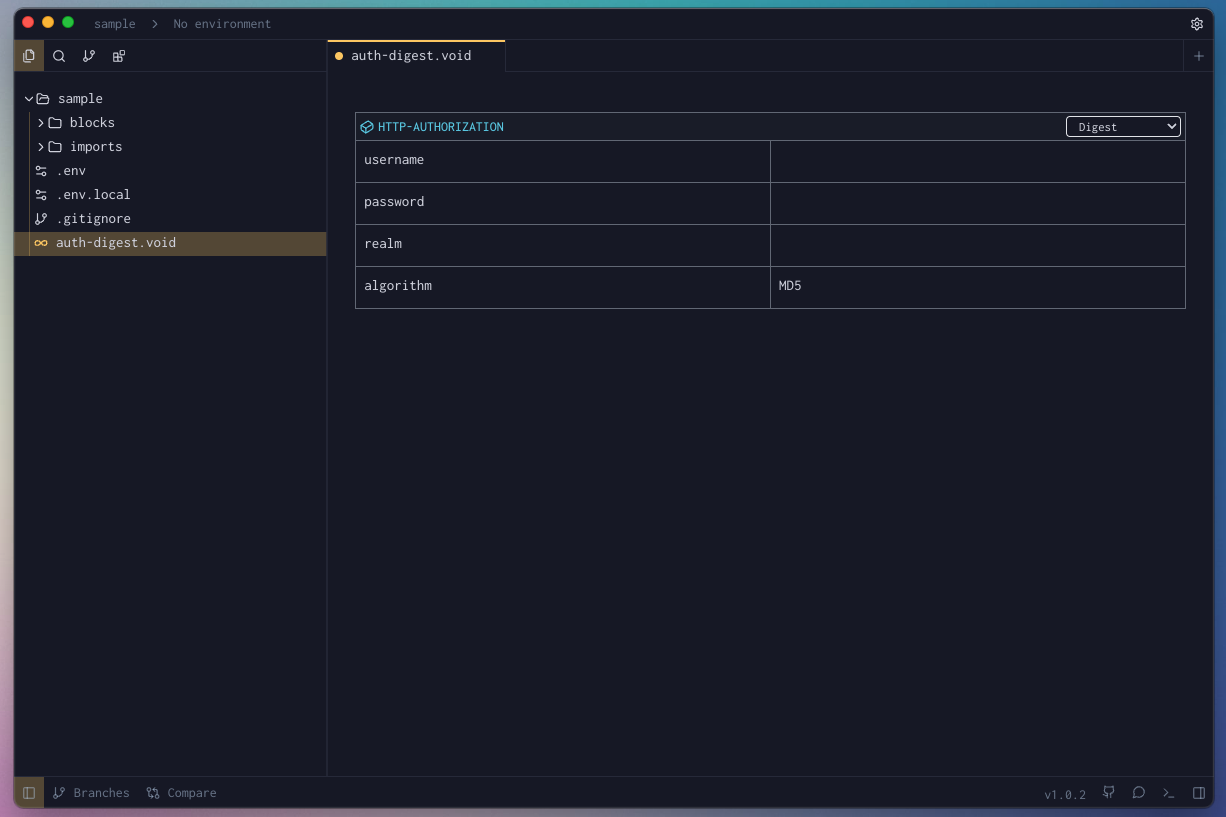
-
Hit Cmd + Enter (Mac) or Ctrl + Enter (Windows/Linux) to run the request
or click the green Play button in the toolbar. -
Check the Response Panel
Block Parameters
| Parameter | Value | Description |
|---|---|---|
| username | string | The username registered with the API or server. Used to identify who is making the request. |
| password | string | The secret used to prove your identity. It’s never sent as-is — instead, it’s used to compute a hash that’s compared server-side. |
| real | string | A string defined by the server that indicates the protected area or scope of credentials. It helps the client know which credentials to send. Example: "realm": "User Area". |
| algorithm | string | The hashing method used to encrypt the credentials. Common values are MD5, MD5-sess, or SHA-256. It defines how the response hash is computed. |