Bearer Authorization Block
Voiden supports straightforward authentication to keep things secure without the headache. You can use the classic Basic Authorization method, where your username and password team up like old friends to get you in.
For a more modern approach, we also offer Bearer Token authentication—think of it as a VIP pass that does all the talking for you after the first introduction. Whichever you choose, you’re covered!
Try it Out
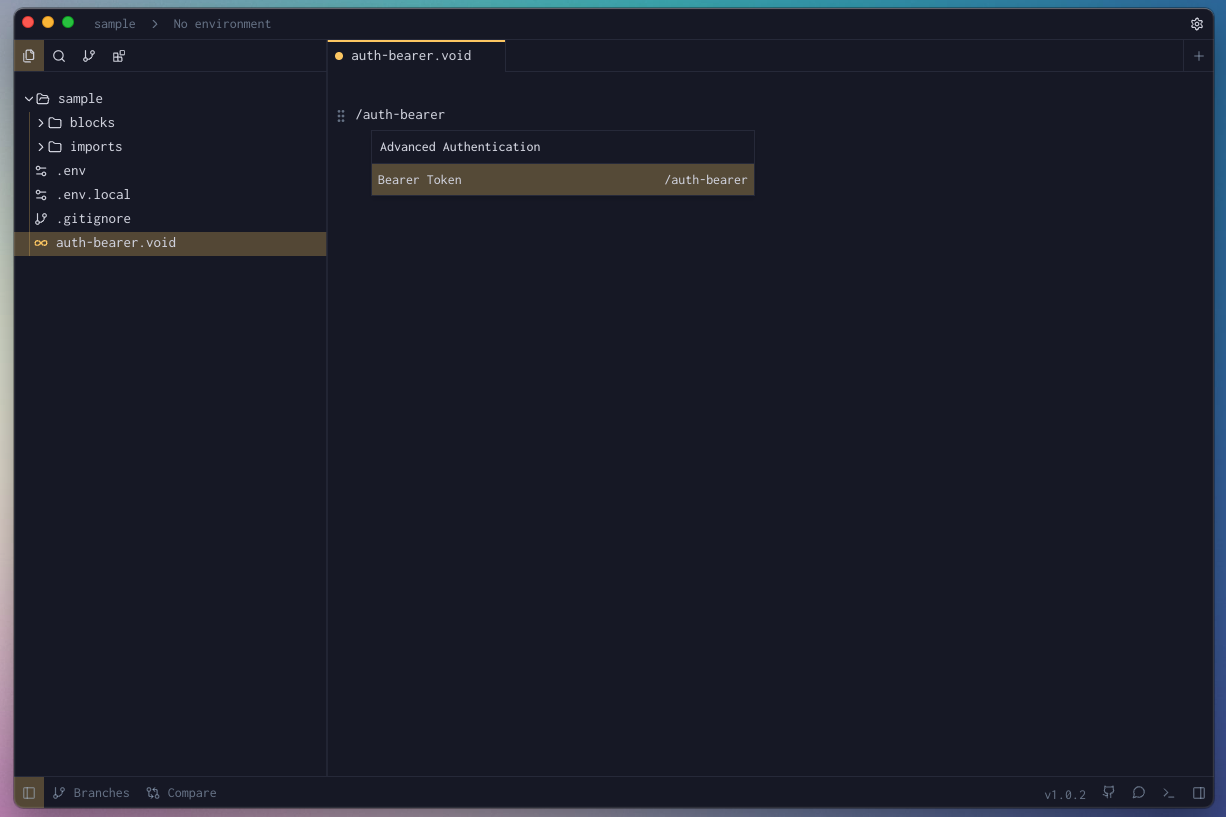
- In your Voiden file, type
/auth-bearerand press Enter to create a Authorization Bearer Block.
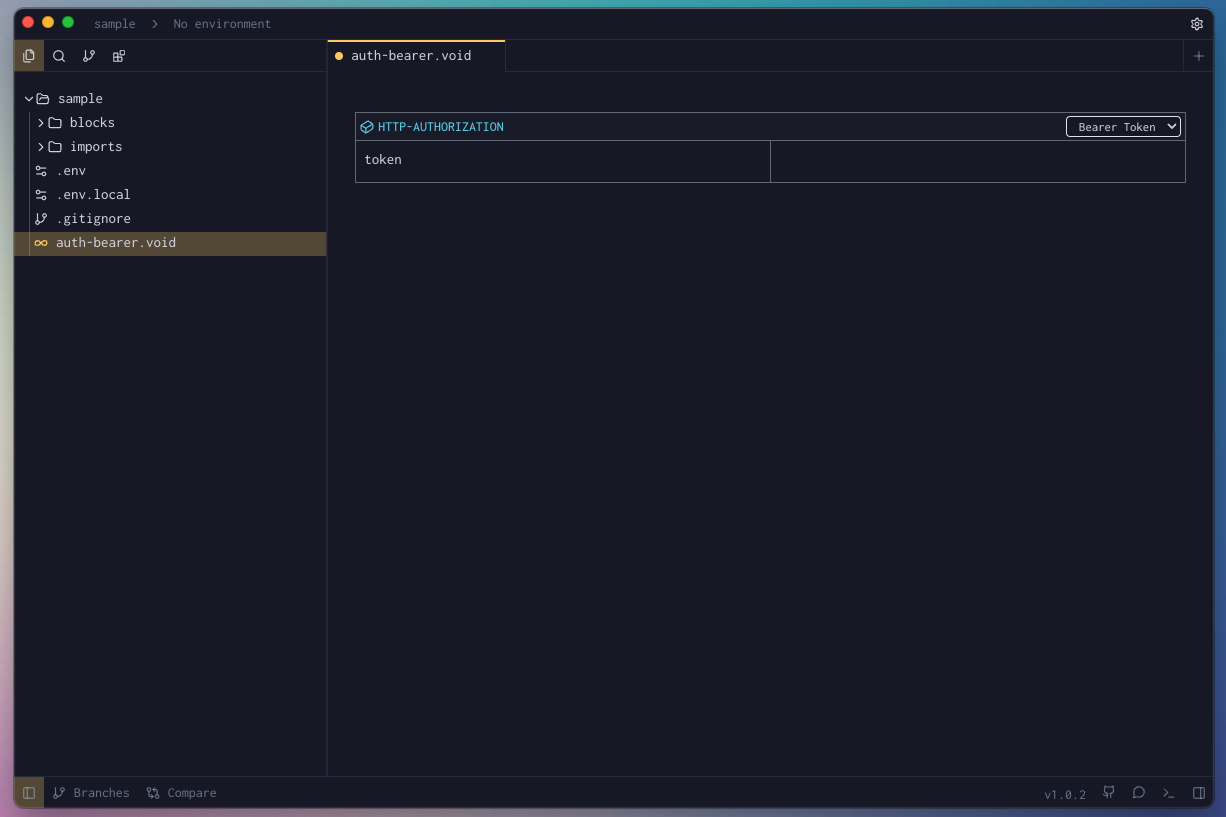
- Fill the required params for the block.
-
Hit Cmd + Enter (Mac) or Ctrl + Enter (Windows/Linux) to run the request
or click the green Play button in the toolbar. -
Check the Response Panel
Block Parameters
| Parameter | Value | Description |
|---|---|---|
| token | string | The actual token value (e.g., a JWT or API key) that proves your identity. |