API Key Authentication in Voiden
Voiden supports API Key Authentication as a secure and straightforward way to authenticate requests made to your workspace APIs. This method allows clients to include a unique key with each request to verify their identity and access.
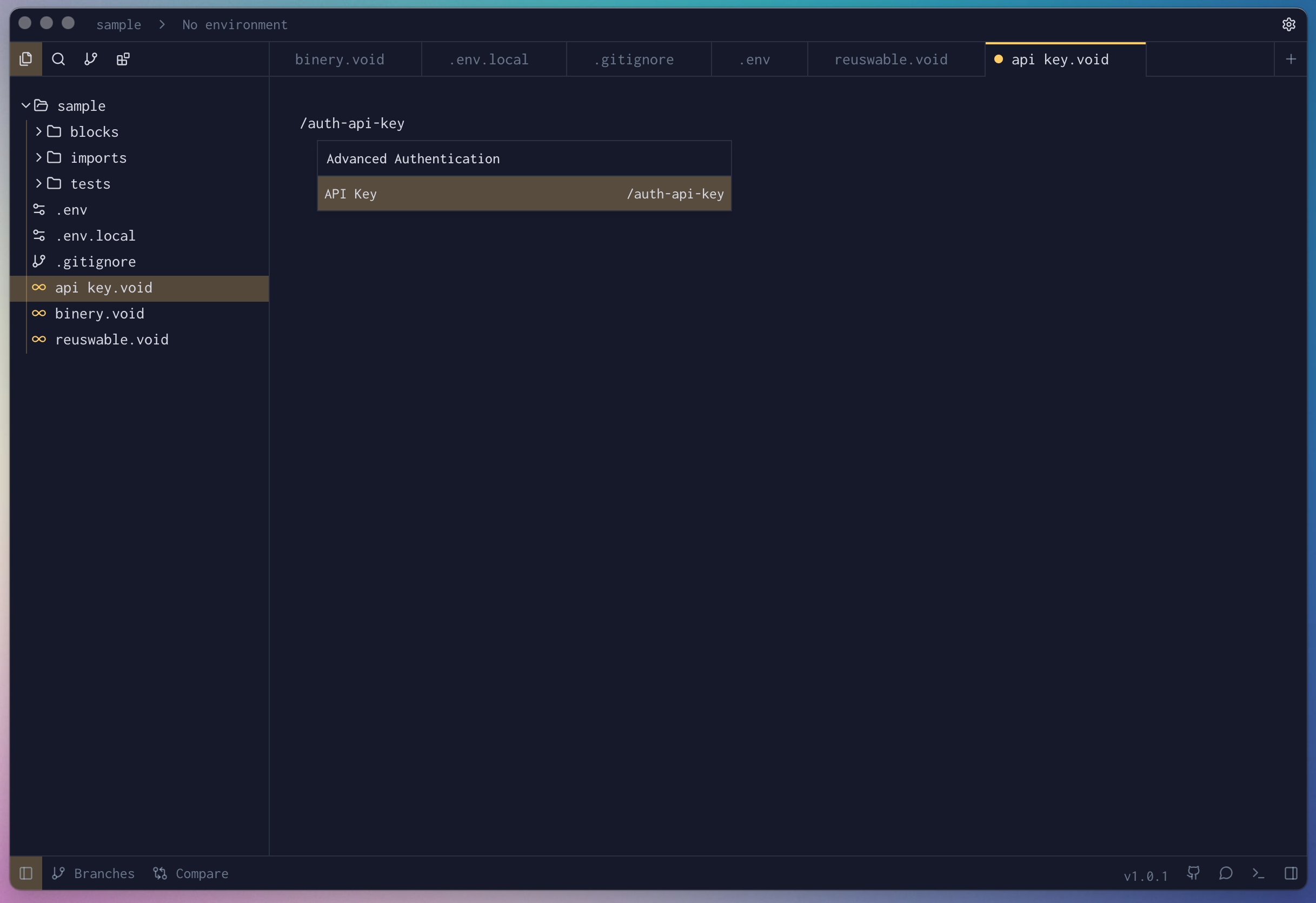
- In your Voiden file, type
/auth-api-keyand press Enter to create a Api Key Authorization Block.
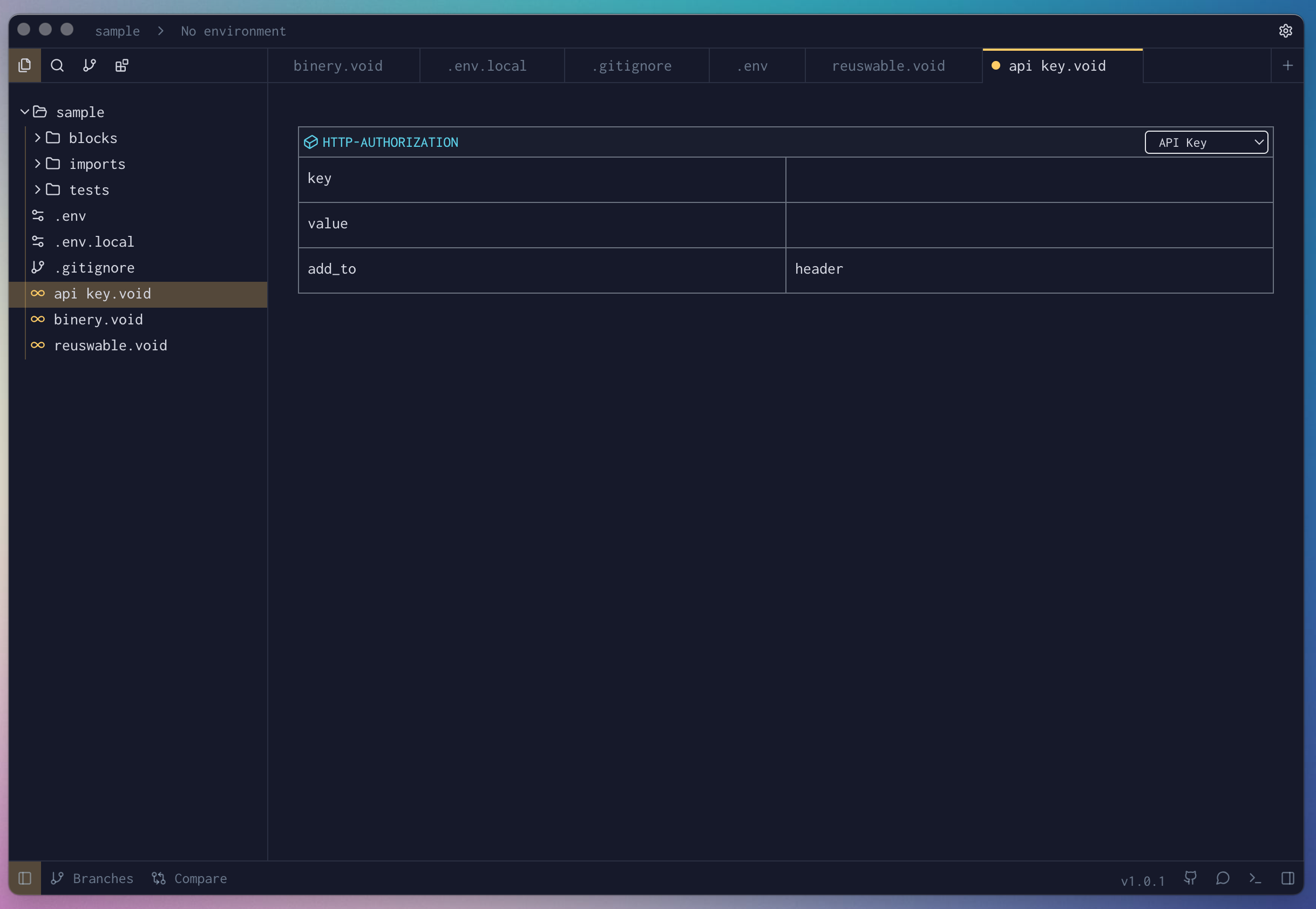
- Fill the required params for the block.
-
Hit Cmd + Enter (Mac) or Ctrl + Enter (Windows/Linux) to run the request or click the green Play button in the toolbar.
-
Check the Response Panel
Block Parameters
| Parameter | Value | Description |
|---|---|---|
| key | string | The header or query field name where the API key will be sent (e.g., x-api-key). |
| value | string | The actual API key used to authenticate the request. |
| add_to | string | Where the API key should be added — typically headers, query, or cookie. |
Summary
Voiden supports API Key Authentication as a simple and effective method for authenticating backend or automated services. With easy generation and secure usage, API Keys allow safe and controlled access to your Voiden-powered APIs.
If you need advanced authentication features, consider integrating with Voiden’s other auth mechanisms.