Web Socket
Voiden supports multiple WebSocket message types, allowing you to send and receive data in the format that best fits your application. Whether you’re sending simple commands or complex structured data, Voiden makes WebSocket messaging flexible and easy to work with.
For detailed configuration and advanced usage, see the WebSocket Block documentation.
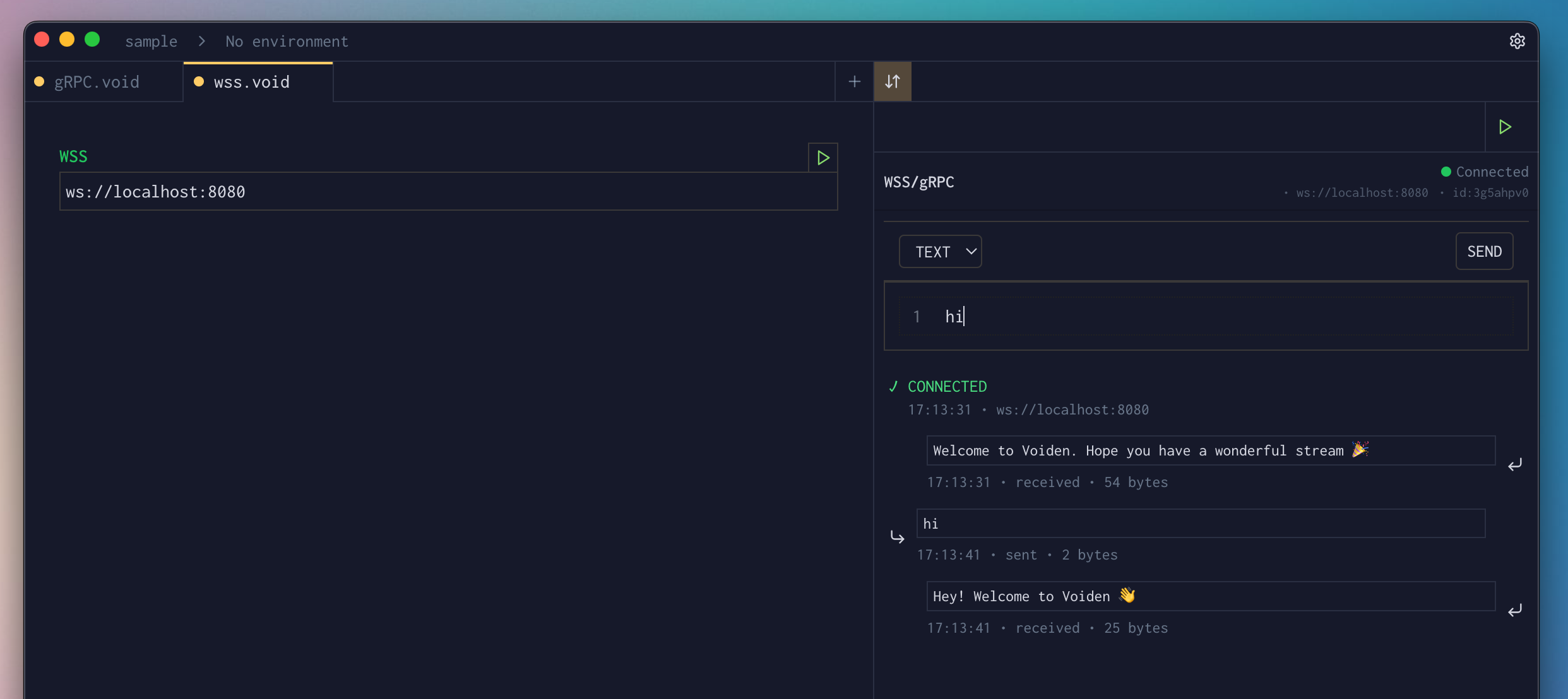
Text Messages
Text messages are plain, human-readable messages commonly used for simple communication.
Characteristics
- Format: UTF-8 encoded text
- Use case: Simple messages, commands, status updates
- Size: Limited by WebSocket frame size (typically ~64 KB)
- Encoding: UTF-8
Text Messages
When to Use
- Simple commands or instructions
- Status updates and notifications
- Human-readable messages
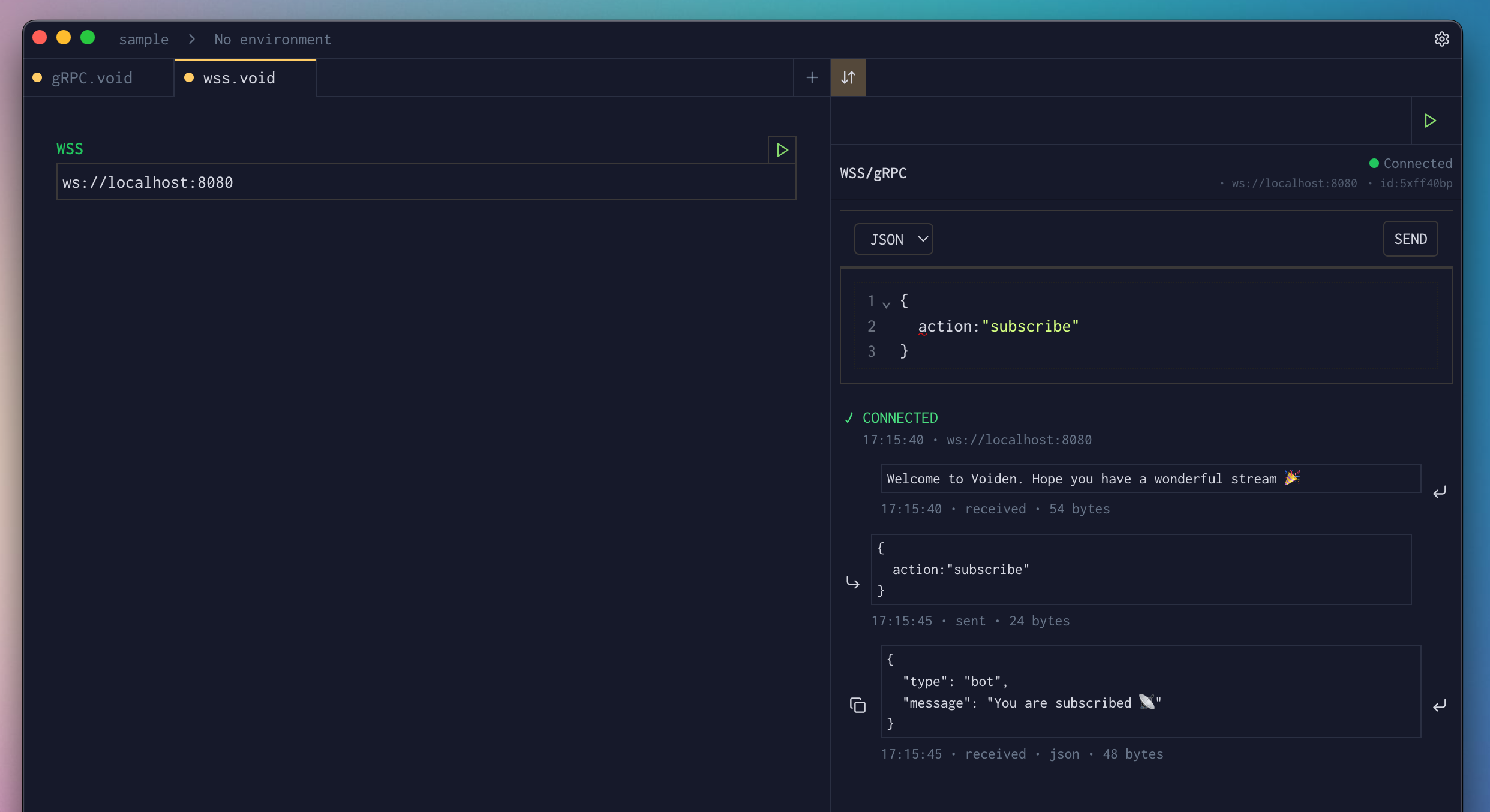
JSON Messages
JSON messages allow you to exchange structured and expressive data, making them ideal for API-style communication.
Characteristics
- Format: JSON (JavaScript Object Notation)
- Use case: Structured data, API responses, complex objects
- Validation: JSON syntax validation and formatting
- Size: Limited by WebSocket frame size
JSON Message
XML Messages
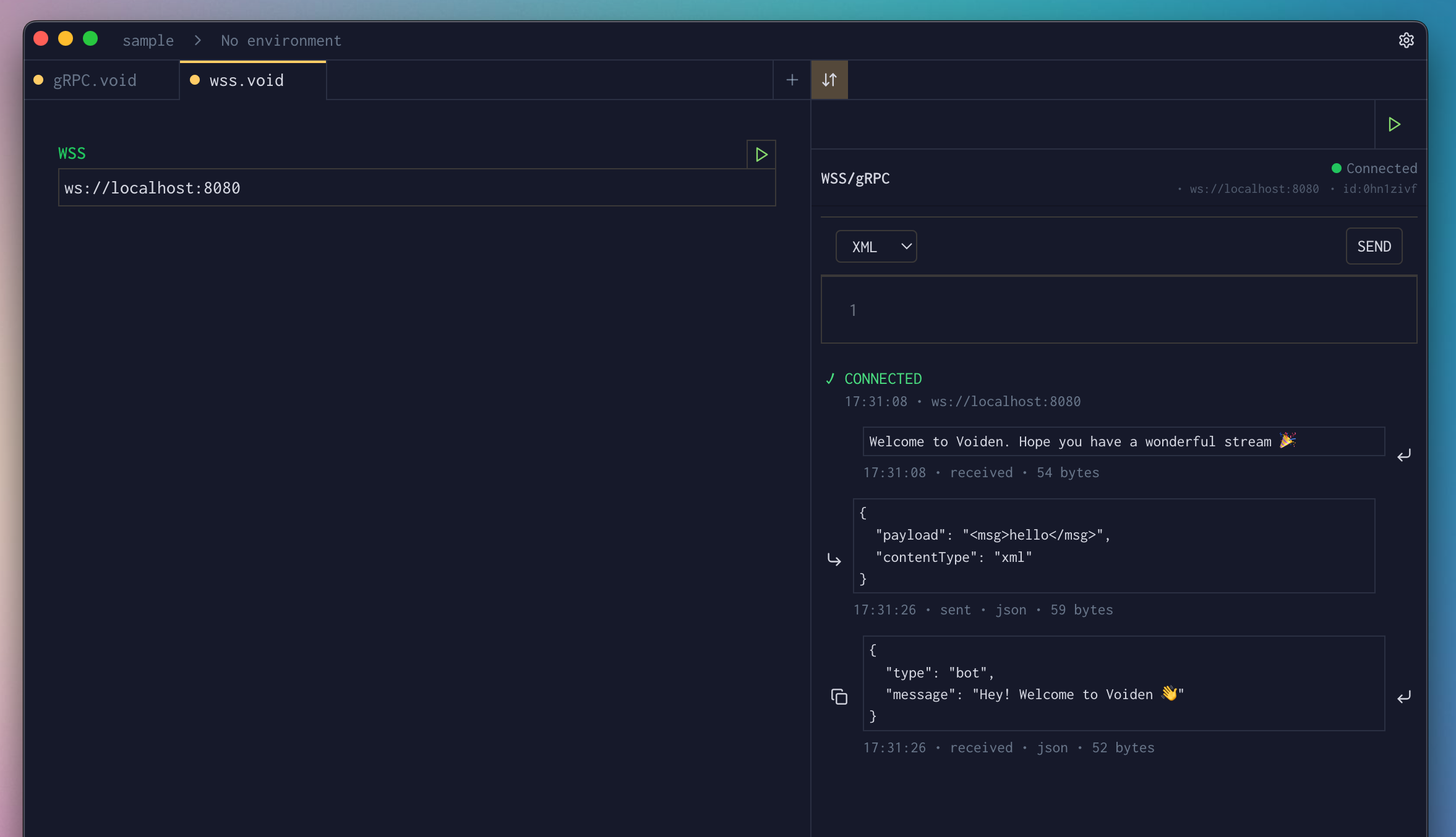
XML messages are mainly used when working with legacy systems or services that rely on XML-based protocols.
Characteristics
- Format: XML (eXtensible Markup Language)
- Use cases: SOAP services, legacy integrations, XML-based APIs
- Validation: XML syntax validation with structured formatting
- Size: Limited by the WebSocket frame size
XML Message
When to Use
- When integrating with older systems that expect XML
- When working with SOAP-based services over WebSocket
- When your messaging protocol is built around XML
- When XML is required for compatibility or compliance
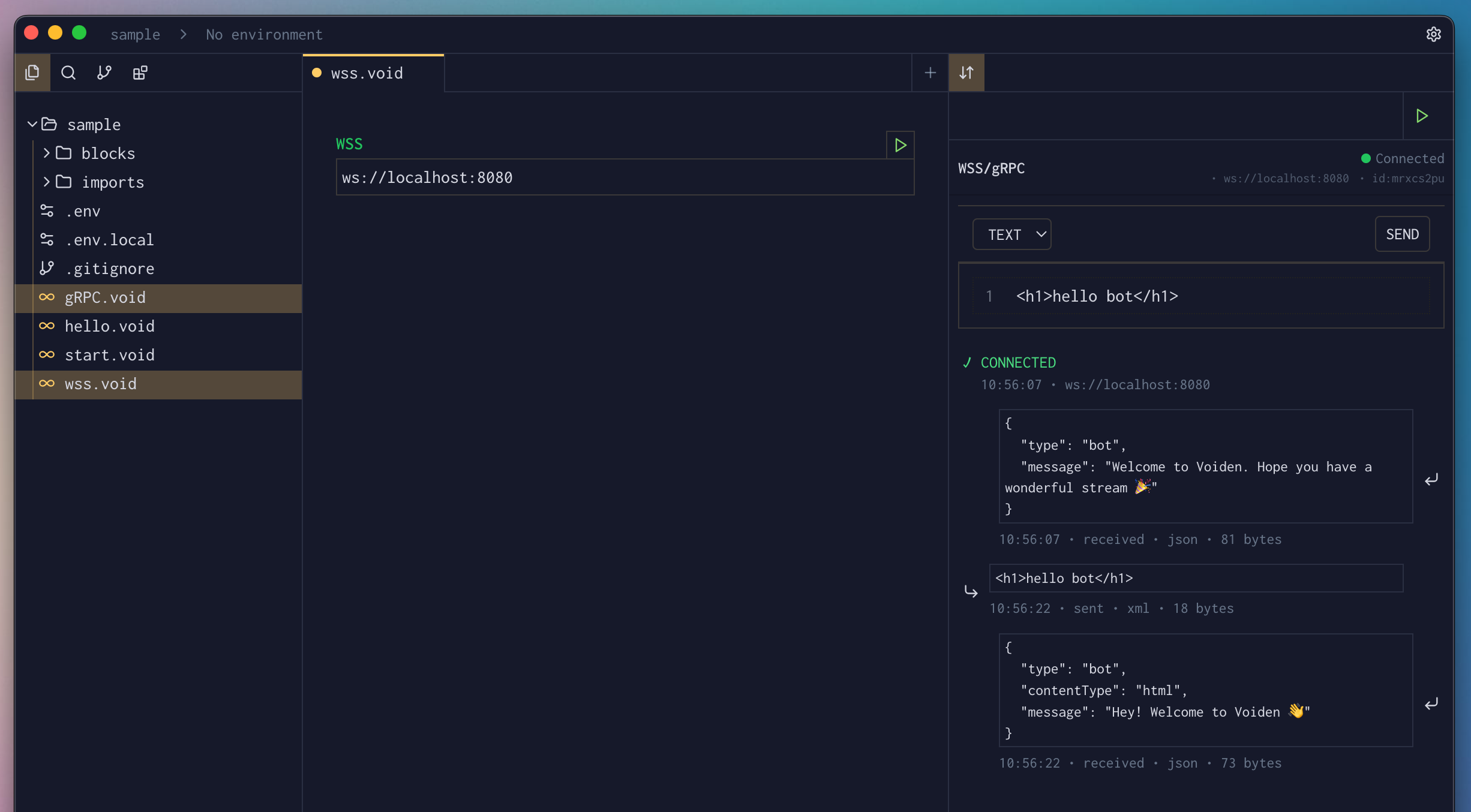
HTML Messages
WebSockets are created and managed using JavaScript inside an HTML page.
Characteristics
- Real-time: Messages are delivered instantly between the client and server without delay.
- Persistent Connection: A single, long-lived connection remains open, eliminating the need for repeated requests.
- Event-Driven: The application automatically reacts to incoming messages and events as they occur.
- Browser-Native: Built-in support across all modern web browsers without additional libraries.
HTML Message
When to Use
- Enables instant message delivery and presence updates.
- Push updates to users as soon as events happen.
- Synchronize changes between multiple users in real time.
- Stream metrics, logs, and status updates continuously.
- Support fast, low-latency interactions between players and servers.